 Xinya Dongfang Electricity Technology Co., Ltd.


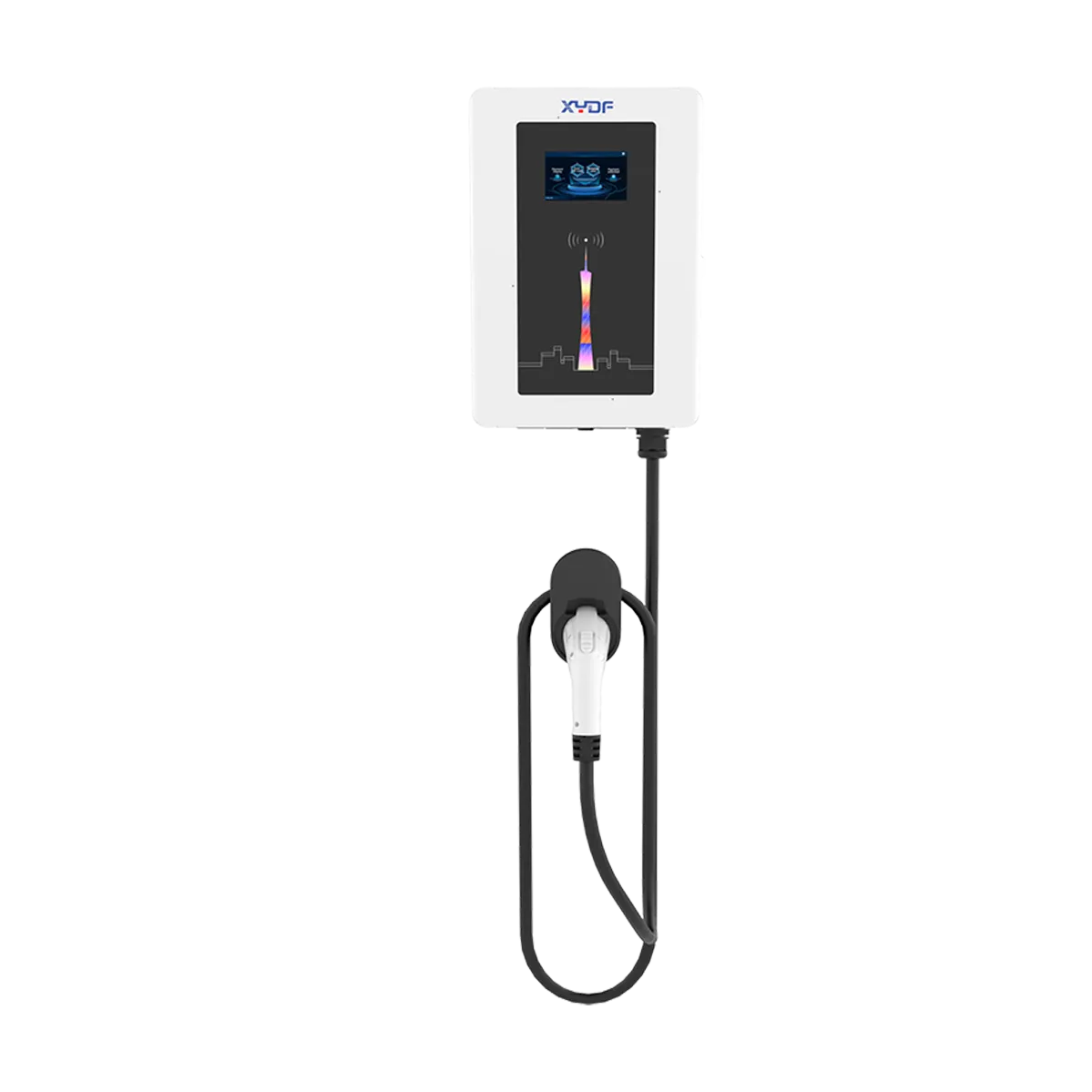
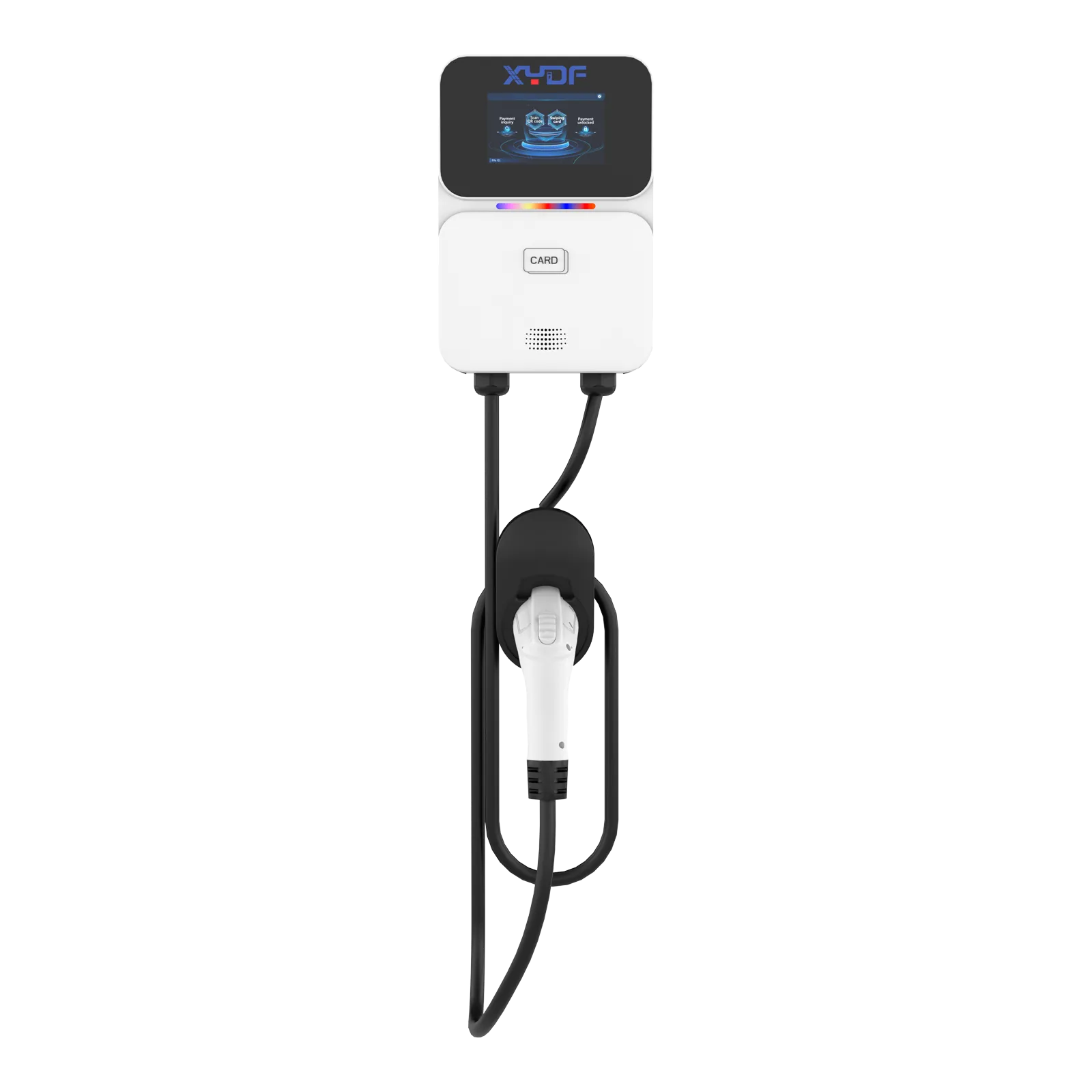
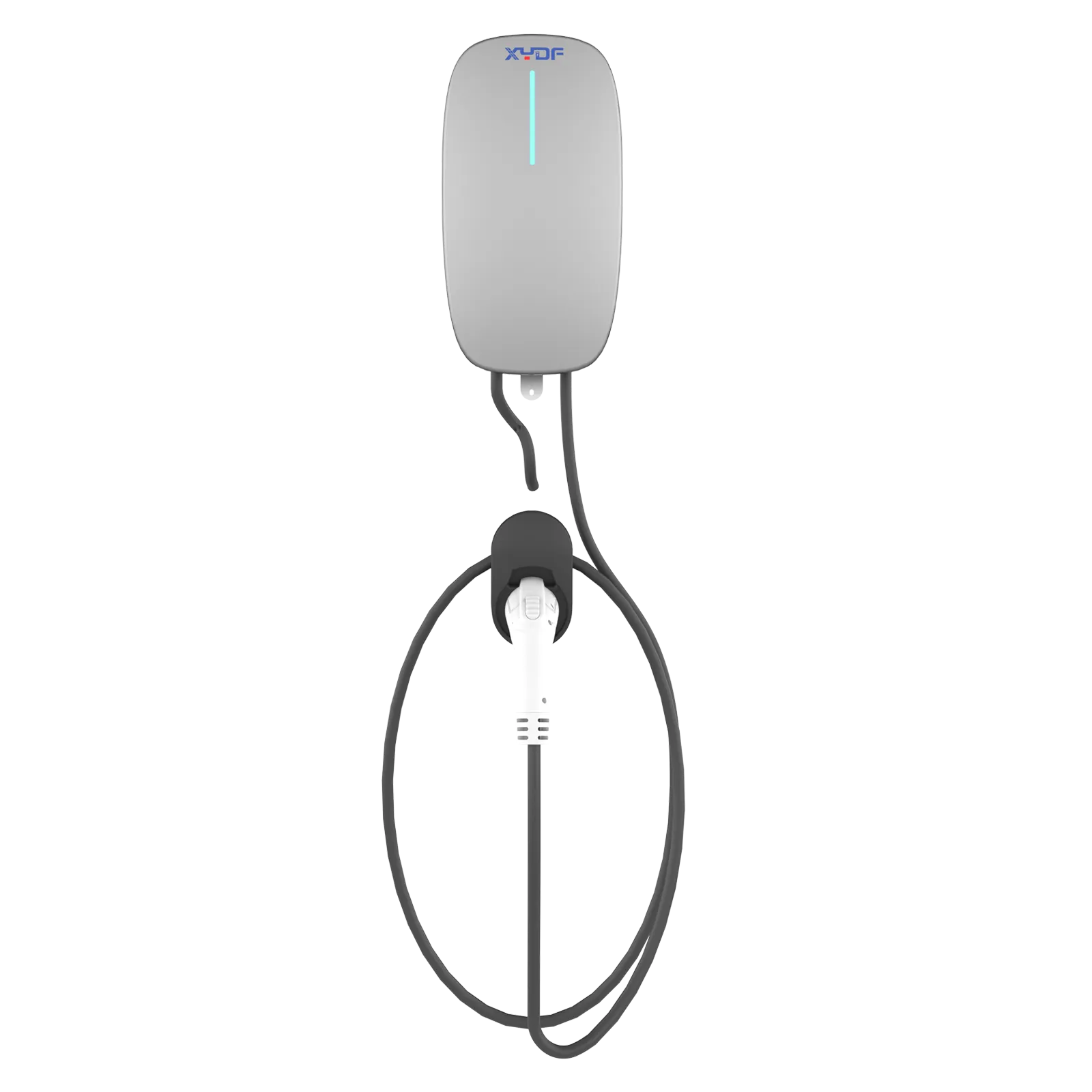
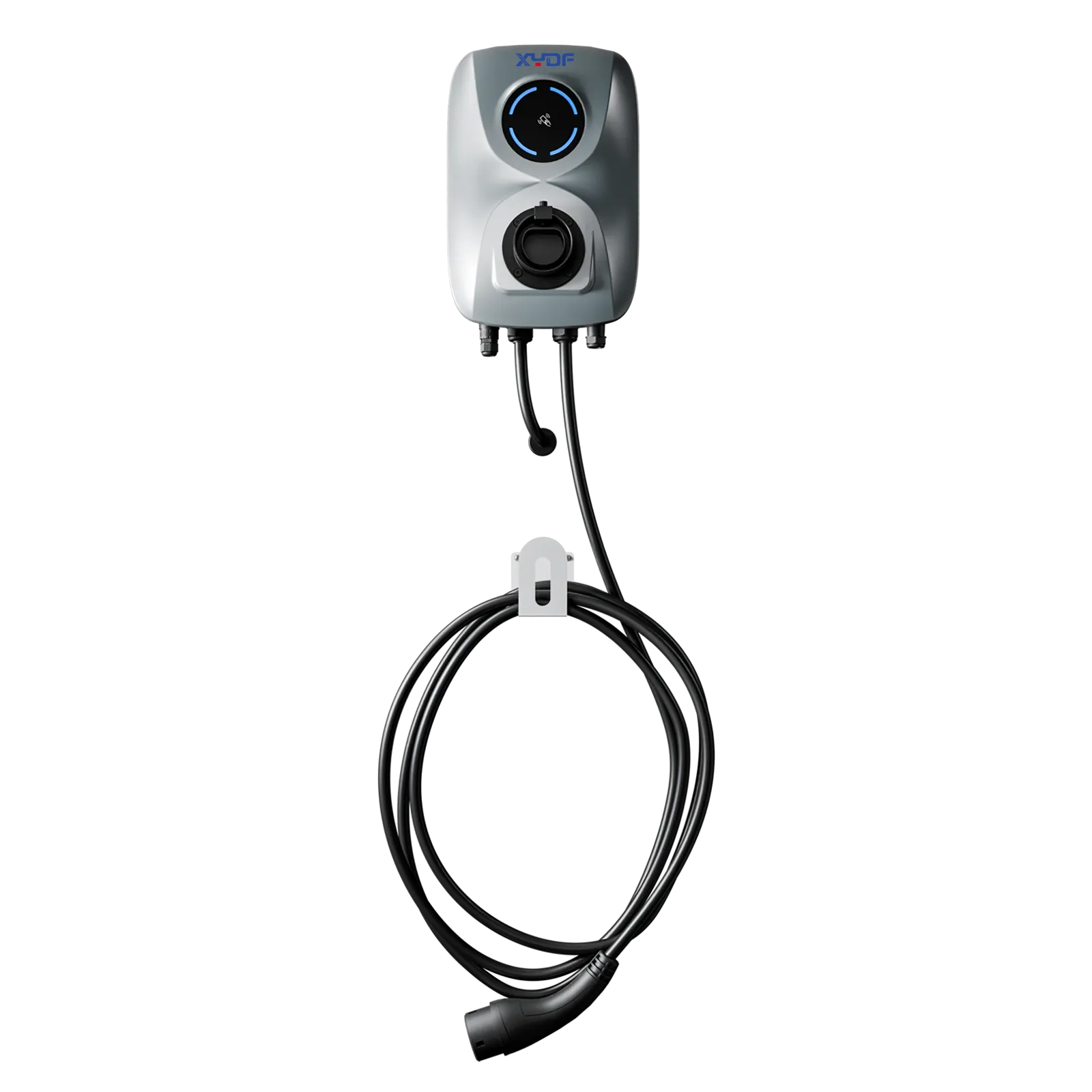
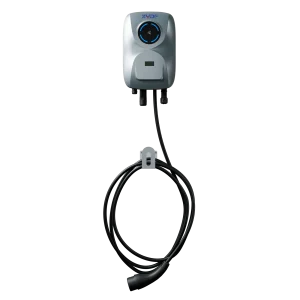
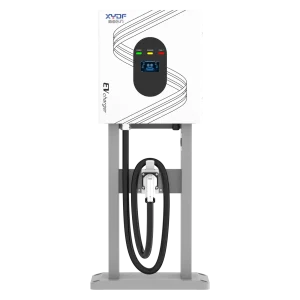

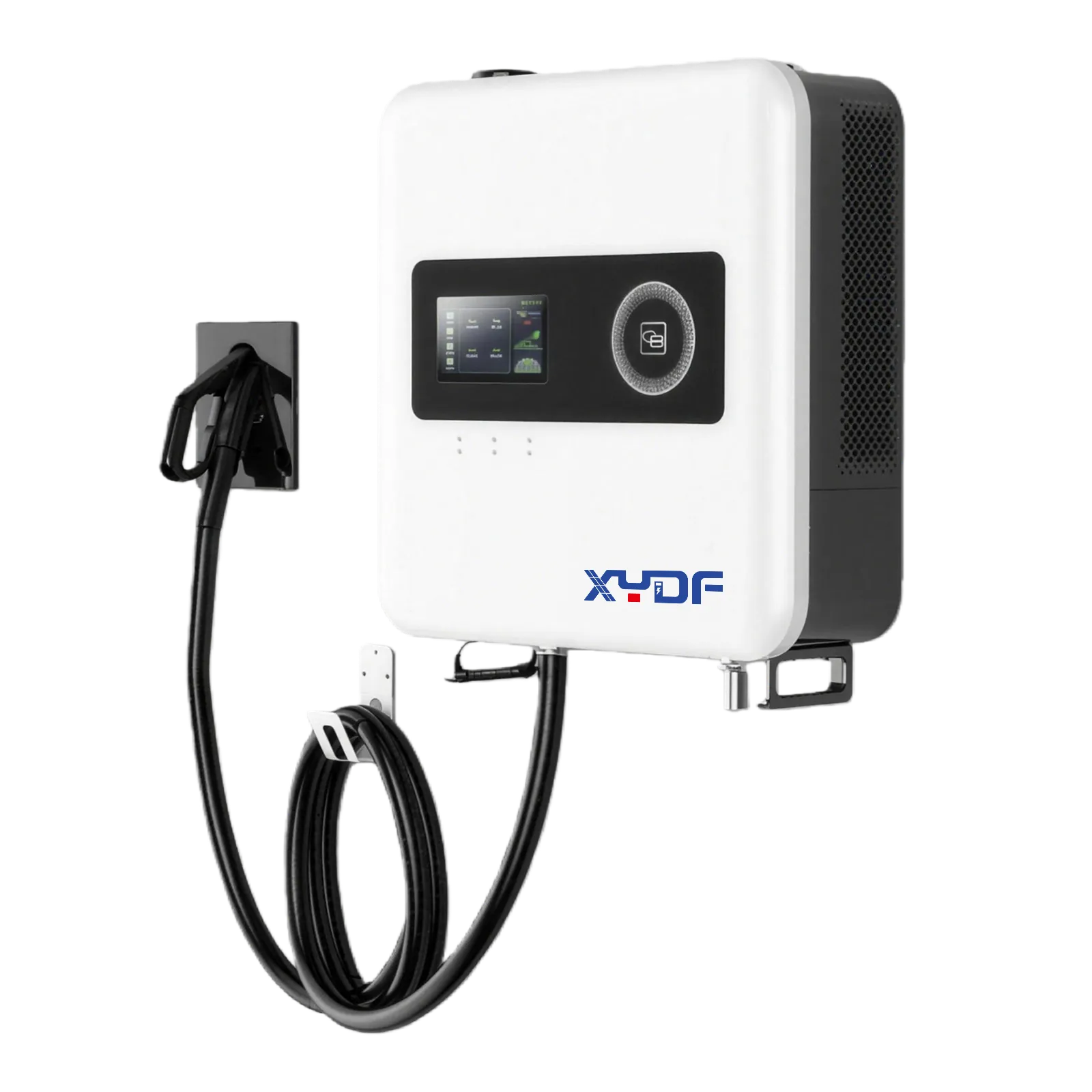
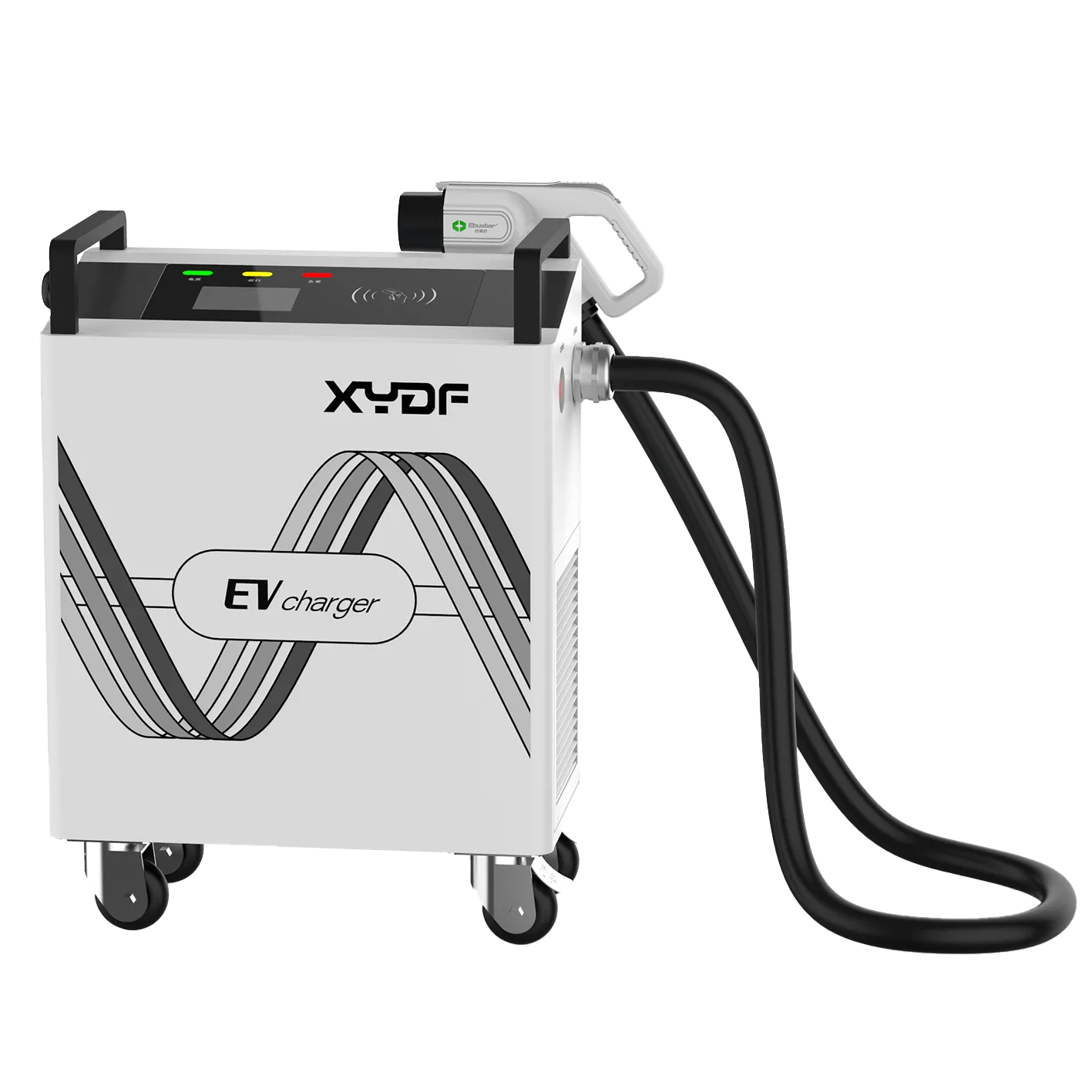
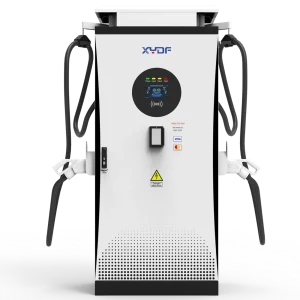
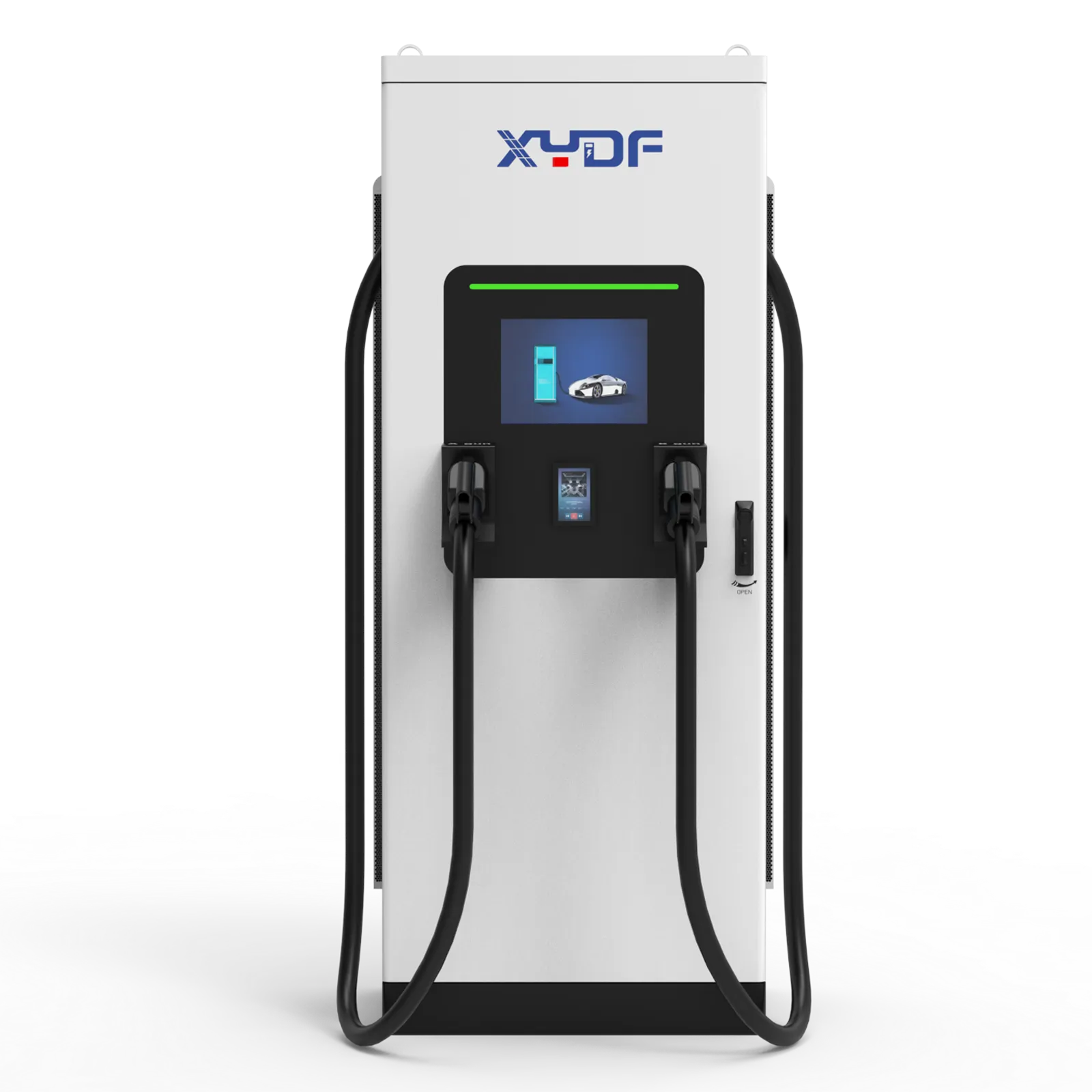
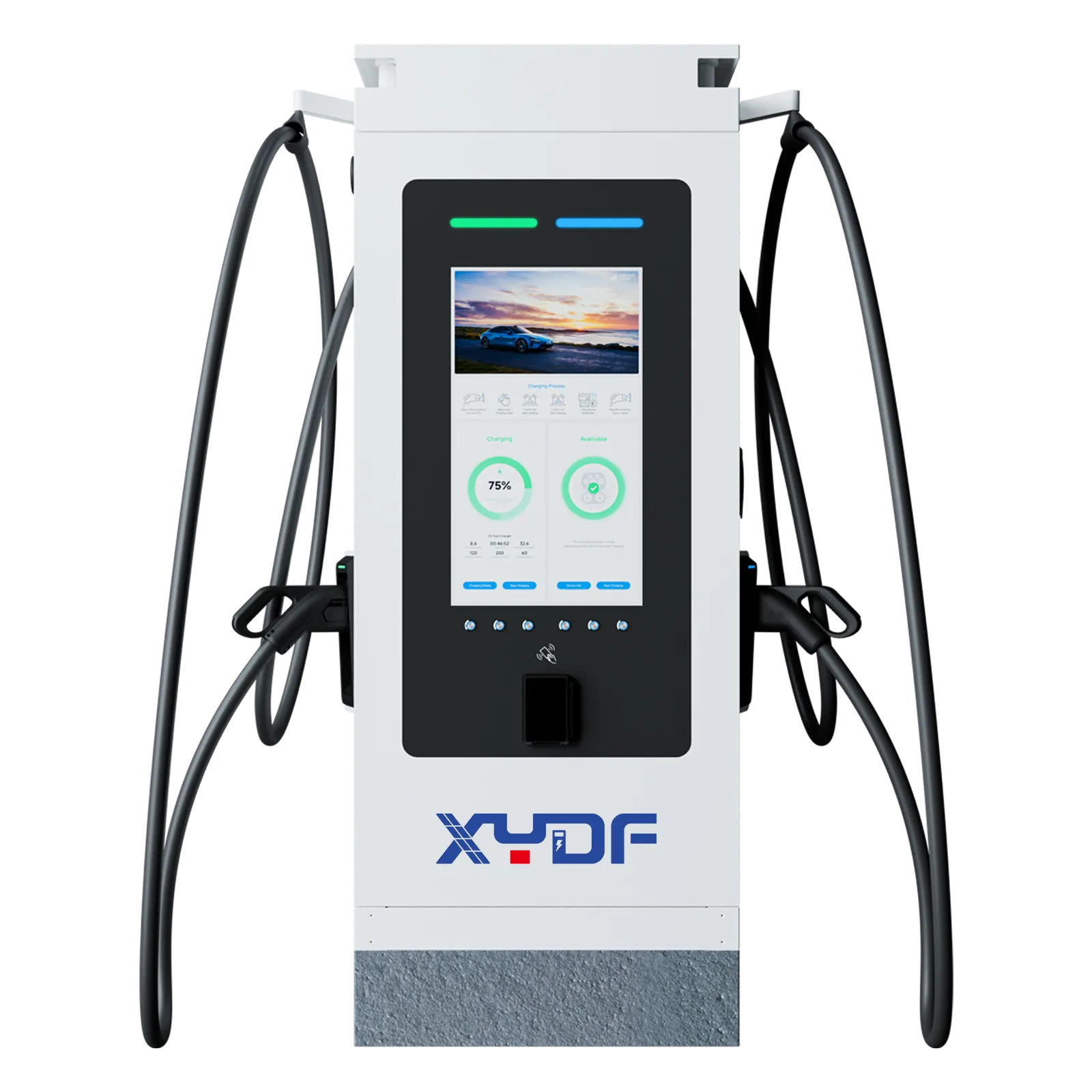
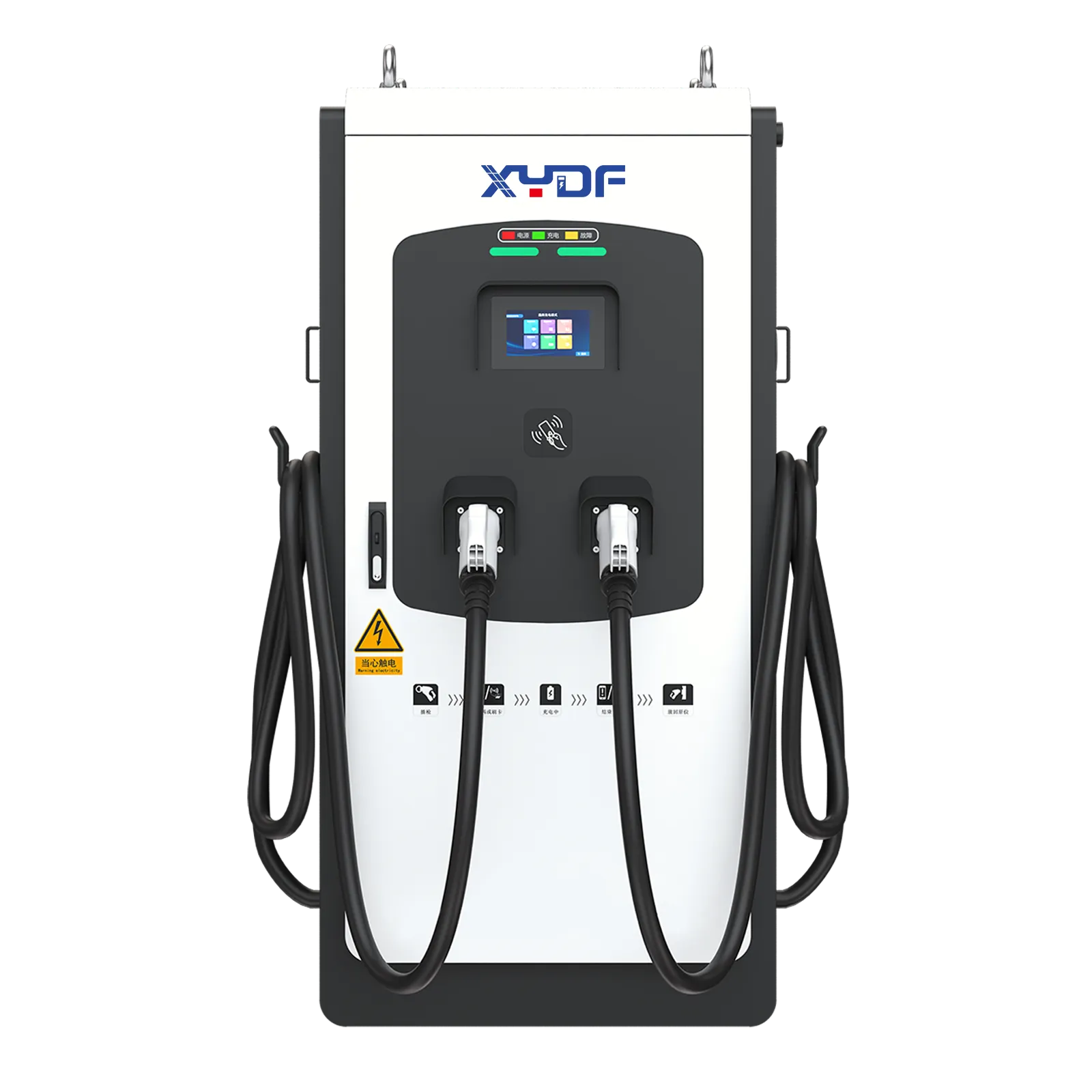
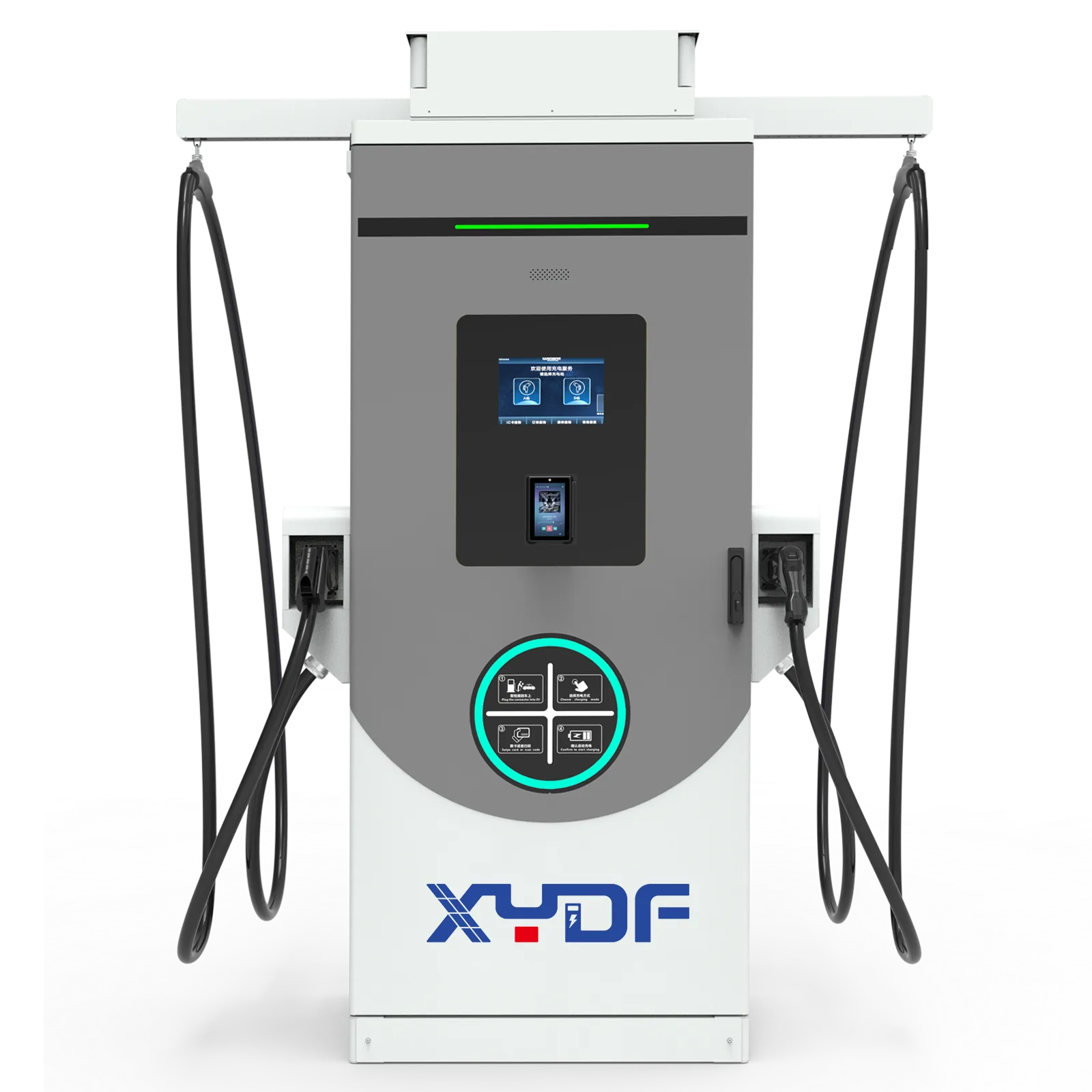
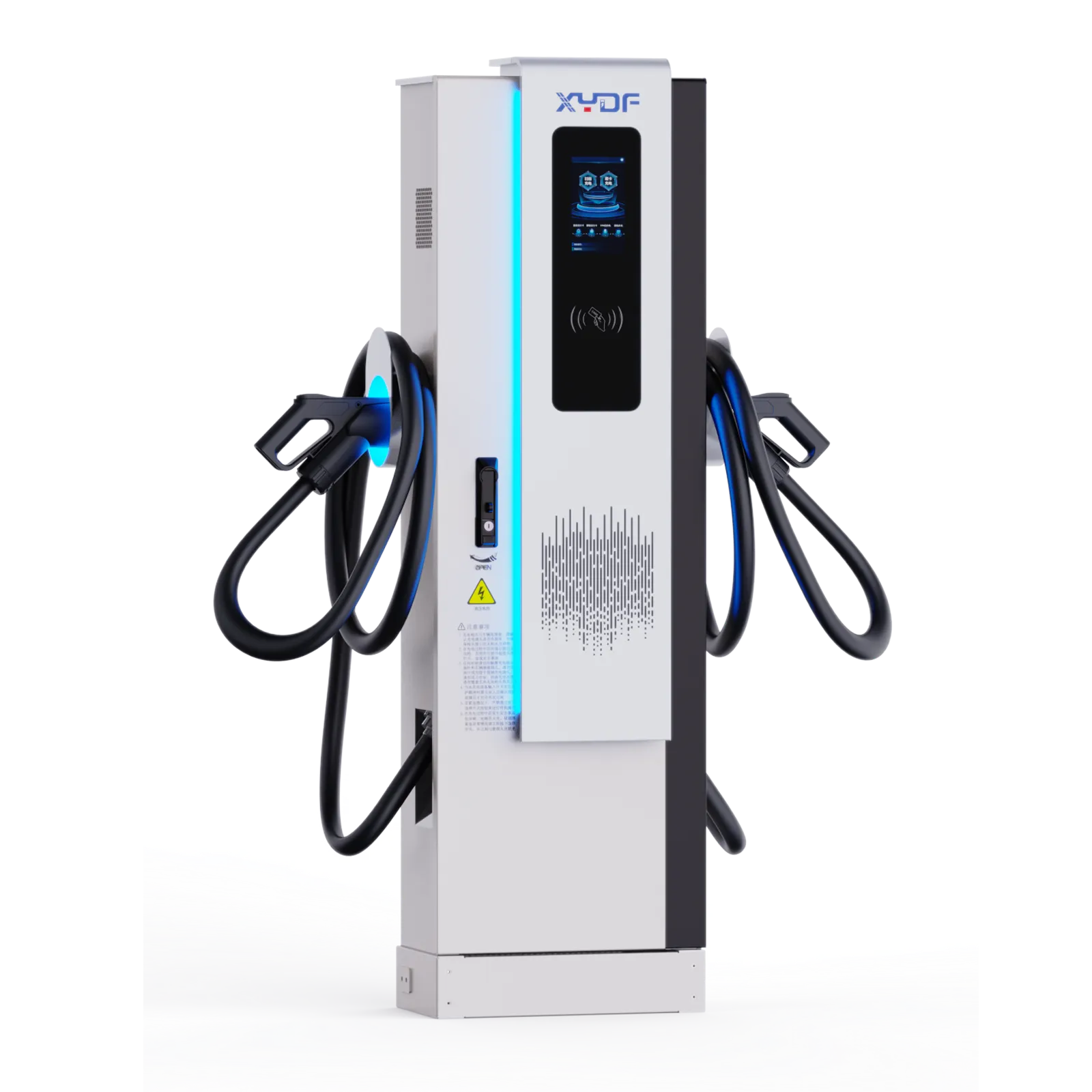
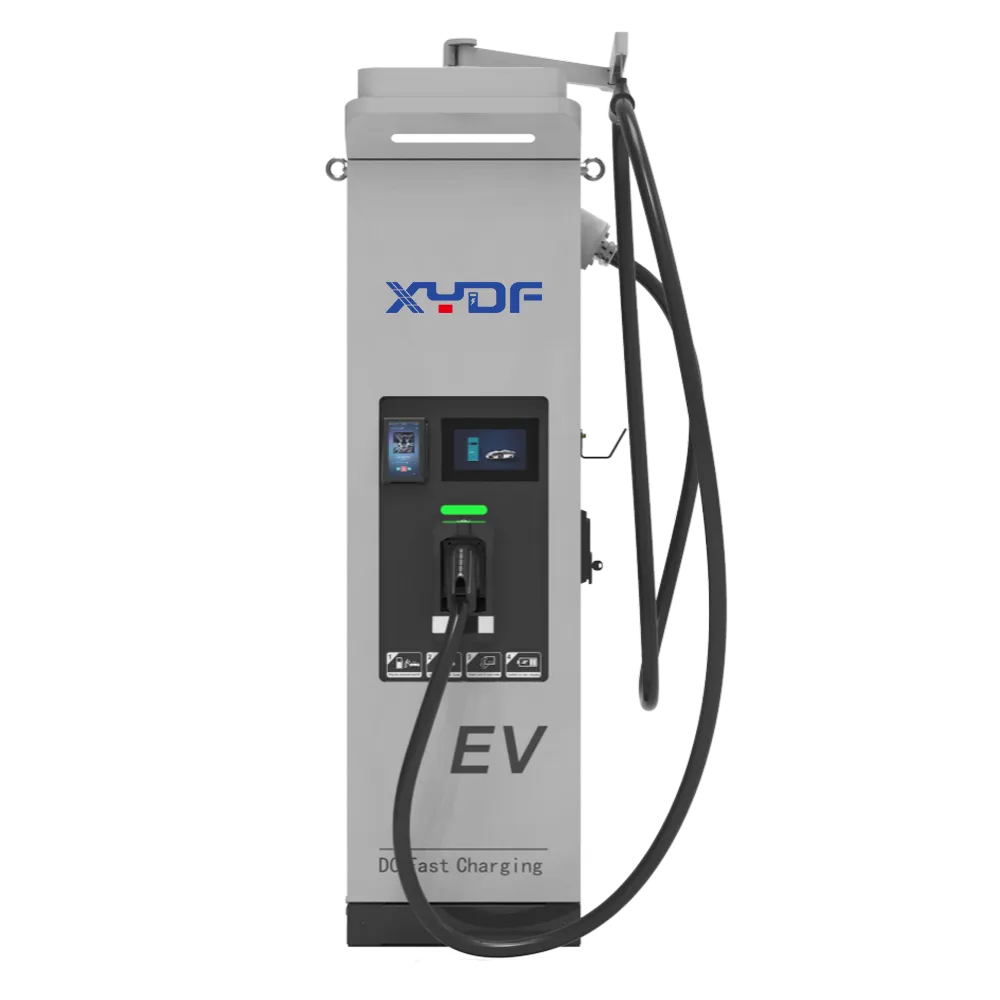
An EV charger firmware OTA update should be managed as a controlled maintenance change: verify the release, test it on representative equipment, update a small group, confirm real charging performance, then expand the rollout. Before installation starts, the operator also needs a manufacturer-supported recovery method and enough remaining charging capacity to serve the site. A successful download alone does not establish that a charger is ready for drivers.
The practical objective is to correct faults and security weaknesses while preserving vehicle compatibility, payment, metering and site power limits. That requires coordination between the charger supplier, charging station management system provider and site operator. This guide explains the checks to put into an update procedure and procurement specification.
What should be approved before a charger receives new firmware?
Start with an asset inventory that identifies the charger model, hardware revision, current firmware, communications module, management-system connection and any separately maintained payment terminal. A release intended for a similar-looking cabinet may still be incompatible with its controller or bootloader. Ask the supplier for the supported upgrade path, including intermediate releases and changes that cannot be reversed.
The change record should state the reason for updating, the affected assets, the proposed version and the expected interruption. It should also identify who approves the work, who can stop it and who will respond if remote recovery fails. Security fixes may justify an accelerated schedule, but the release still needs authenticity checks and a supported installation path.
Read release notes for changes to vehicle communication, authorization, meter reporting, smart charging and configuration formats. A backend change and a firmware change deployed together can make diagnosis harder. Where practical, separate them and document the compatible combination. Preserve a recoverable copy of configuration and relevant logs, using the supplier’s method and protecting credentials.
NIST IR 8473 treats electric vehicle fast charging as an ecosystem spanning vehicles, chargers, cloud services and utility or building networks. Its risk-management approach is useful here: a maintenance decision must consider connected systems, rather than the cabinet alone. The report is guidance, not a certification that a particular release is secure.
Which security checks matter for an OTA update?
EV charger cybersecurity depends on establishing who produced the firmware, whether it was altered and whether the device is authorized to install it. Require a documented method for validating signed packages and checking that they apply to the exact hardware. A checksum can identify a changed file, but a checksum supplied through the same untrusted channel cannot establish its publisher.
Protect the download and management channels with the security mechanisms supported by the deployed system. Restrict update permissions to authorized roles, protect signing keys and service credentials, and maintain a way to revoke compromised access. Operators should ask how the charger handles an invalid signature, an expired certificate, an incomplete download and an unauthorized downgrade.
NIST SP 800-193 organizes firmware resilience around protection, detection and recovery. It concerns platform firmware rather than a charger-specific certification scheme, but it provides a useful procurement distinction: preventing an unauthorized installation and recovering a device after a failed change are separate capabilities. Both need evidence.
| Check | Evidence to request | Reason to hold the update |
|---|---|---|
| Package identity | Release identifier, approved source and signature-validation method | The supplier or device cannot establish authenticity |
| Hardware compatibility | Supported controller revisions and upgrade prerequisites | The installed hardware is outside the release scope |
| Configuration compatibility | Migration, backup and restoration instructions | Site power limits or credentials may be lost without recovery |
| Recovery readiness | Permitted recovery version, tools and local support procedure | Failure would leave no supported route back to service |
| Access control | Authorized operators and a traceable approval record | The change cannot be tied to an approved request |
Keep an internal update audit separate from public maintenance notices. Drivers need accurate availability information, not firmware download addresses, credentials or technical recovery details.
How can updates be scheduled without taking the whole site offline?
Use maintenance windows based on the site’s actual arrivals and energy demand. A quiet period at a retail location may coincide with the main charging window at a fleet depot. Agree whether active sessions will finish before installation and whether the system can prevent new sessions on the affected unit. Do not assume that every firmware package can be applied while charging continues.
Divide the fleet into representative groups by hardware, firmware baseline, network conditions and service requirements. Test the release on suitable nonproduction equipment first where available, then use a limited production pilot. Expand only after the agreed acceptance checks pass. A pilot consisting solely of the newest hardware does not demonstrate that an older controller will update successfully.
As an illustrative scheduling example, updating one of eight independent chargers leaves seven available. That does not guarantee sufficient service: those seven must have the required connectors, power and access for the expected vehicles. If several dispensers share a cabinet or controller, establish the true outage boundary before counting spare capacity.
Set a stop condition before rollout. A charging failure, repeated reboot, lost power limit or unexplained meter discrepancy should pause the affected group and trigger investigation. Separately track scheduled maintenance, failed installations and time spent recovering. This makes charging station reliability reporting more useful than a single online/offline flag.
What should be tested before the next batch is updated?
Check that the reported version matches the approved package and that the charger reconnects to its management system. Then verify configuration, clock synchronization, authorization, transaction records and the applicable power limits. Remote connectivity is one acceptance item; it does not prove that a vehicle can start and complete a session.
Run representative charging checks using vehicles and authorization methods that matter to the site. For public charging, this can include the applicable payment path and receipt or transaction record. For a depot, confirm departure-priority charging and the behavior when multiple vehicles connect. Compare delivered energy and reported records where the update could affect metering or billing.
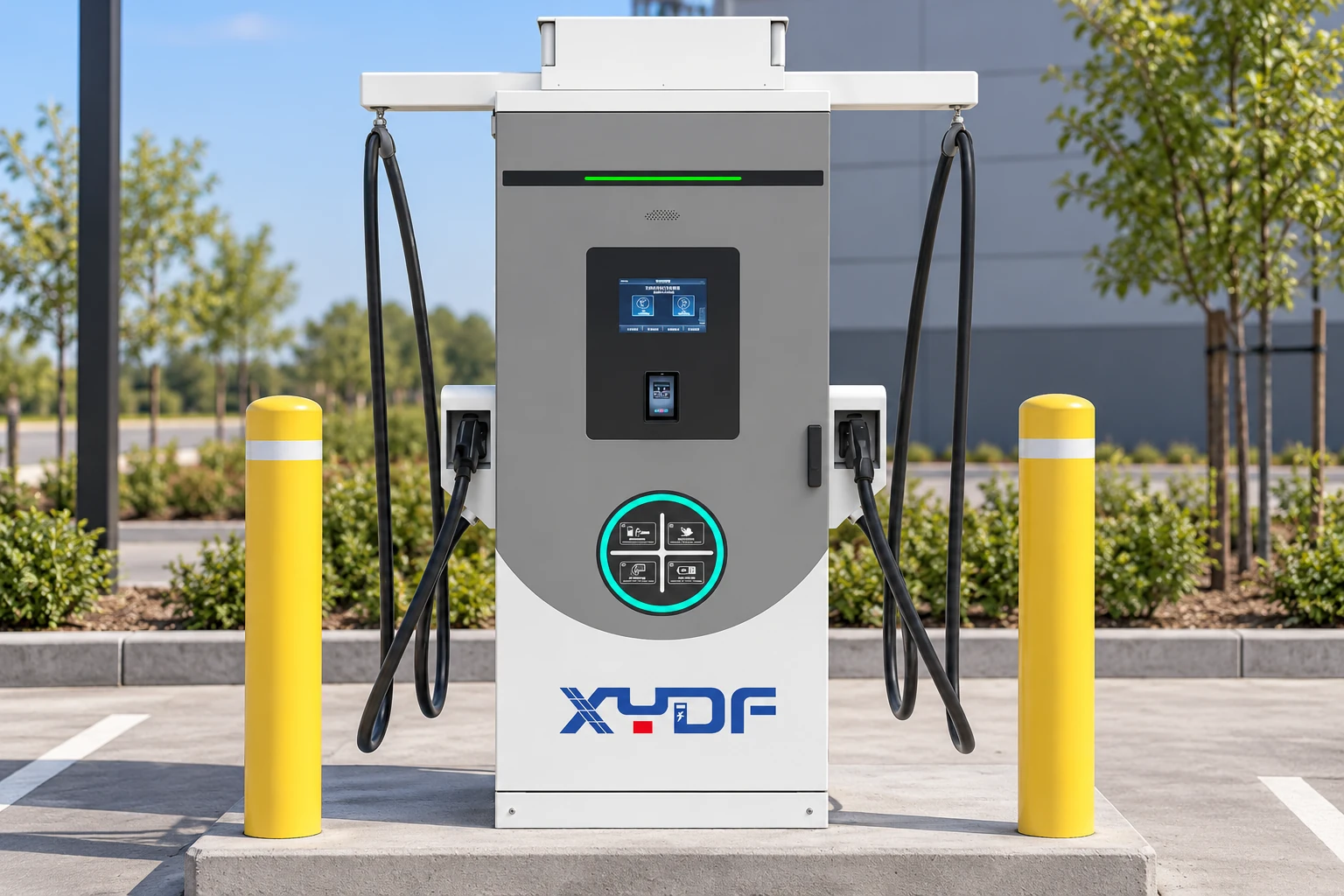
The management system and charger must agree on firmware-management behavior. An OCPP firmware update workflow depends on the protocol version and implemented features. The Open Charge Alliance notes that OCPP 1.6 and OCPP 2.0.1 are not compatible, and that newer versions add security and device-management functionality. Record the actual version and supported functions instead of accepting an undifferentiated “OCPP supported” statement.
Have the supplier demonstrate the relevant update requests, status reporting and failure handling with the intended backend. OCPP messaging does not, by itself, establish that the charger has a second firmware image, automatic rollback or a supported downgrade path. Include the backend provider in tests where its orchestration affects installation timing or driver-facing availability.
How should rollback and failed updates be handled?
EVSE rollback should mean a supported return to an approved working software state, with compatible configuration and security controls. It is not simply installing the oldest available file. A release may change stored data or include anti-rollback protections that prevent returning to a vulnerable version. Obtain the manufacturer’s permitted recovery options before deployment.
Define the difference between a failed download, a failed installation and a charger that boots but cannot provide the expected service. These cases need different responses. Avoid repeatedly pushing the same package without understanding the failure, and never interrupt power during installation unless the manufacturer’s recovery procedure explicitly requires it.
| Observed condition | Operator response | Required supplier clarification |
|---|---|---|
| Download interrupted | Record the failure and follow the supported retry or resume procedure | How incomplete packages are rejected before installation |
| Installation fails | Stop the rollout group and preserve logs | Whether automatic recovery, a service tool or a site visit is required |
| Charger reconnects but sessions fail | Keep the affected unit unavailable and test the relevant integration | Compatible firmware, configuration and backend combinations |
| Previous version cannot be restored | Use the approved recovery release or local repair procedure | Data migration limits and anti-rollback restrictions |
When connectivity disappears, the device’s next action depends on the stage of the update and its documented design. Require evidence that an incomplete or unauthenticated package will not be installed. Separately establish whether an already validated package can finish locally, whether the running version remains available and how the management system reconciles status after reconnection. These behaviors need model-specific testing.
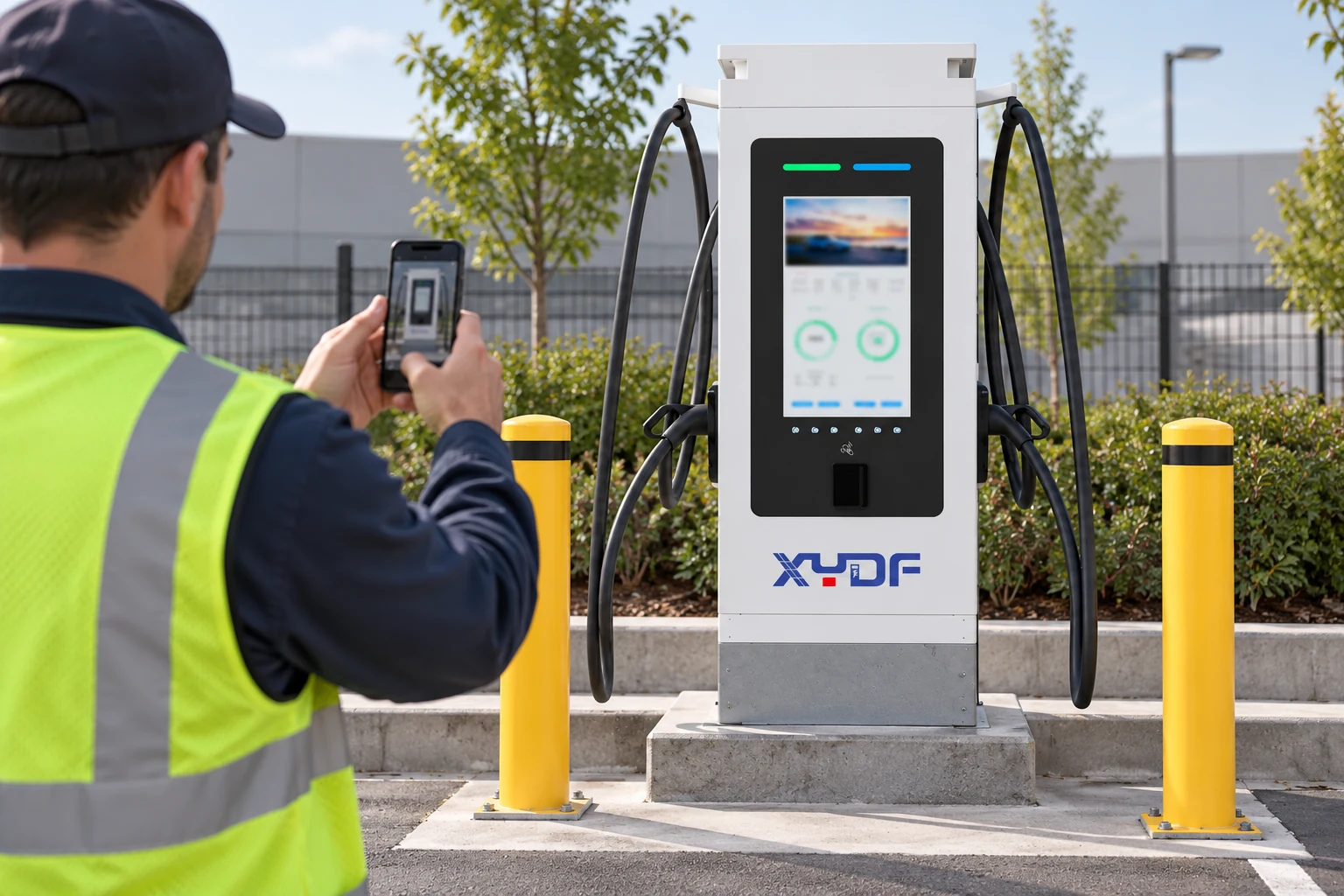
What should a buyer include in firmware support requirements?
Compare the whole support arrangement, including release notifications, vulnerability reporting, supported software life, update permissions, logs, recovery tools and on-site response. Ask for a demonstration on the proposed hardware and backend. A lower purchase price can be offset by repeated site visits, manual reinstatement and prolonged charging station downtime.
For a project using XYDF commercial AC EV chargers or DC fast charging stations, confirm these capabilities for the selected model and configuration before purchase. Product appearance or power rating does not establish a firmware security or recovery feature.
The handover record should identify the approved baseline, update owner and escalation route. Staff who perform local recovery also need the appropriate EVSE technician training and manufacturer service authorization. Remote software access does not authorize electrical work inside a charger.
Frequently asked questions about charger firmware updates
How should EV charger firmware OTA updates be managed?
Use an approved release, verify its authenticity and compatibility, test a representative pilot and expand in controlled groups. Record the installed version, test results and any downtime. Keep a supported recovery route available throughout the change.
What security checks should be completed before an EVSE firmware update?
Check package signing and integrity, authorized access, the exact hardware revision and the supplier’s supported upgrade path. Confirm how the device rejects invalid packages and unauthorized downgrades. Protect configuration backups and service credentials.
How can an operator schedule updates without disrupting drivers?
Select a low-demand window, allow sessions to finish where required and update only the capacity the site can spare. Publish accurate temporary availability and pause the rollout if acceptance tests fail. Sites without spare capacity may need a planned closure rather than a claim of uninterrupted service.
What rollback plan is needed if a charger update fails?
Identify the approved recovery version, compatible configuration backup and the person responsible for executing recovery. Establish whether recovery is remote or requires a local service tool. Do not assume a downgrade is permitted when security or data-format changes prevent it.
How should firmware versions and update approvals be recorded?
Keep a record by charger asset ID, including old and new versions, hardware revision, package identifier, approval, installation time and acceptance results. Link any failure logs and recovery work to the same change record. Store sensitive credentials separately.
What should a charger do if it loses connectivity during an OTA update?
It should follow the supplier’s documented behavior for the current update stage and reject incomplete or unauthenticated packages. Whether it resumes a download, completes a validated installation locally or returns to an approved image depends on its implementation. Test reconnection and recovery before fleet-wide deployment.
References
- NIST IR 8473: Cybersecurity Framework Profile for Electric Vehicle Extreme Fast Charging Infrastructure
- NIST SP 800-193: Platform Firmware Resiliency Guidelines
- Open Charge Alliance: OCPP versions and functionality
Keep firmware maintenance tied to charging performance
A reliable OTA process connects package verification, staged deployment, real charging tests and a supported recovery method. The right acceptance point is a charger that provides the required service with its configuration intact, not simply a device that reports a new version. Apply those checks consistently and use the results to control the next rollout.
Planning a commercial charging project? Contact XYDF with your charger requirements, backend platform and maintenance expectations to confirm model-specific firmware support before procurement.