Which EV Charger Alarms Should Operations Teams Monitor First?
Aug 07,2026
Blog
When several chargers are unavailable and sessions begin to fail, the priority is not whichever alarm appears most technical. Teams should first assess which event creates the greatest safety, service, or revenue exposure, then classify the fault, preserve diagnostic evidence, and control recovery actions before restoring service.
Summary: Effective EV charger remote alarm triage separates safety risk, service loss, and revenue impact; distinguishes an offline station from a faulted connector and a failed session; and captures a minimum evidence package before any reset. OCPP 1.6, 2.0.1, and 2.1 do not provide an identical diagnostic surface, so buyers should verify the exact protocol version, implemented messages, vendor extensions, permissions, and log-retention workflow rather than accept “OCPP compatible” as a complete answer.
EV charger remote diagnostics alarms should help an operations team decide what to do next, not merely create a long fault list. Start with events that affect availability, safety-related status, connectivity, and session completion. For each event, retain the charger state, standard and vendor-specific codes, timestamp, connector, session context, and recent history before deciding whether to recover remotely or dispatch qualified support.
Part 1. What can remote diagnostics establish before a field visit?
Remote diagnostics combines charger telemetry, status messages, error information, session data, and event history. It can show that a connector changed state, communications were lost, a session stopped unexpectedly, or delivered power differed from an expected pattern. It cannot by itself prove every physical cause: damaged cables, site wiring, water ingress, and mechanical issues can require inspection.
The Open Charge Alliance uptime paper describes how an OCPP StatusNotification includes status and error-code information, while optional vendor fields can provide manufacturer-specific detail. That is why a useful dashboard preserves both the standard signal and the raw vendor context rather than replacing them with a generic “charger error.”
Remote data supports a decision, not a physical inspection. A practical first pass asks four questions: Is there a safety indication? How many connectors or sites are affected? Is charging service or a scheduled departure blocked? Is revenue at risk because users cannot start or complete paid sessions? The answers determine response priority even when two events share the same technical code.
Treat “online” as a communications observation, not proof of end-to-end charging capability. A station may exchange heartbeats while a connector, payment path, authorization flow, vehicle handshake, or site power path prevents a successful session. Conversely, loss of back-office visibility does not by itself prove that every local charging function has stopped.
Part 2. Which alarms need immediate operational attention?
Prioritise alarms by user and site impact, not only by how technical the code looks. A single connector event may be low impact at a multi-bay location but urgent at a depot where it affects a scheduled departure. Safety-related or electrical fault signals should follow the approved site and vendor escalation procedure rather than an improvised reset sequence.
A defensible queue ranks safety, service, and revenue impact in that order, then uses scope and time sensitivity to separate events within each band. Safety impact covers indications that require isolation or qualified inspection. Service impact measures lost charging capacity, stranded demand, and whether an alternative connector is available. Revenue impact covers failed paid sessions, an inaccessible commercial asset, or recurring interruption—not the nominal power rating alone.
Priority
Event family
Impact test
Initial operations action
Urgent
faulted status with electrical, temperature, grounding, or internal error indication
possible safety exposure or required isolation
remove from service if required by the approved process; preserve evidence and escalate
High
charger or connector unavailable during a planned operating window
capacity, departure, or public-service commitment at risk
confirm scope, recent state, and user impact; create a time-bound ticket
High
communications loss from a previously healthy unit
visibility lost across one asset or the site; local service state unknown
distinguish site/network loss from equipment fault; check heartbeat history and site connectivity
Medium
failed start or early stopped session
single-user interruption or repeated loss of sale
compare authorization, connector state, vehicle/session details, and repeat pattern
Review
delivered-power anomaly or recurring vendor code
performance concern without confirmed service loss
compare with site limit, vehicle acceptance, temperature, and historical sessions
Important: A standard error code is an initial clue, not a complete root-cause diagnosis. Vendor-specific information, site conditions, and approved safety procedures remain necessary. Open Charge Alliance’s uptime guidance explains why status and error context must be preserved.
Teams should define priority rules before the incident, including who owns each band, the response target, and the condition that upgrades a ticket. A repeated failed-session pattern may move from medium to high when it affects multiple vehicles, an entire location, or a contracted operating window; this is an operational escalation rule, not a new charger error code.
Part 3. How should teams distinguish offline, faulted, and failed-session events?
These states answer different questions. A faulted connector reports an error condition. An offline condition means the management system has lost current communication; it does not automatically prove the charger is physically unusable.
A failed session means a charging attempt did not complete as expected. The cause can sit with authorization, vehicle communication, configuration, the connector, the charger, or the site.
The Open Charge Alliance notes that an offline station can still allow certain activity, yet the management system lacks proof of its current condition while messages are not exchanged. Therefore, treat offline time as a visibility problem first and record how the site defines availability.
ChargeLab’s OCPP message glossary frames the useful operator questions: is the unit communicating, why did a session fail, and what settings or messages preceded the event? The answer should be based on the log, not an assumption that every unavailable connector is a hardware failure.
Operational state
What is known
Minimum corroboration
Avoid this conclusion
Offline
the CSMS has no current communications evidence
last heartbeat/message, site network status, other stations at the site, local report if available
the charger is definitely electrically failed
Faulted
the station or connector has reported an error state
standard code, vendor code, affected EVSE/connector, preceding events, recurrence
the generic code identifies the failed component
Failed session
a charging attempt did not start, sustain, or complete as expected
authorization result, transaction sequence, stop reason where available, meter values, vehicle/connector context
the charger hardware caused the failure
Do not collapse these three states into one availability metric without a documented rule. A fleet can be communicating but unable to complete sessions, or temporarily offline while local charging remains possible; the service-level calculation should state what is measured, over which operating window, and how planned exclusions are handled.
Part 4. Which evidence belongs with each alarm?
A ticket should allow the next person to reproduce the decision path. Collect the same evidence consistently so repeated patterns can be identified across stations, connectors, firmware versions, or sites.
The minimum diagnostic evidence should preserve both the raw event and its operating context before any command changes the state. Record the station, EVSE or connector, protocol version, CSMS and charger timestamps with time zone, state transition, standard and vendor codes, transaction identifiers, relevant configuration, firmware version, communications history, user impact, and every action already taken.
Evidence item
Why it matters
Do not infer
station and connector identifier
separates a unit fault from a site-wide pattern
that another connector has the same issue
status transition and timestamp
establishes event sequence and duration
the underlying cause without codes/logs
OCPP error code and vendor code
preserves standard and manufacturer detail
that generic codes diagnose a component
heartbeat/connectivity history
distinguishes lost visibility from recurring outages
that an online unit is fully functional
session start/stop context and delivered energy
reveals failed or abnormal session patterns
that low power is always a charger defect
configured power limit and site event context
helps explain controlled throttling
that a cap is a fault
protocol, firmware, and configuration version
supports comparison across implementations and recent changes
that two models expose identical diagnostics
remote commands, operator, and result
creates a reproducible audit trail
that a cleared alarm means root cause is removed
For networked fleets, retain the data needed for contractual and privacy requirements, then define who can access logs and who may issue remote commands.
Retention should be policy-driven rather than indefinite by default. Preserve the raw message sequence, diagnostic-log reference, ticket history, and command audit trail for the period required by the service contract, warranty process, incident policy, and applicable privacy law. Control access, document time synchronization, and keep personally identifiable or payment-related data out of a general maintenance export unless it is necessary and authorized.
Part 5. When is remote recovery appropriate and when is field inspection required?
Remote actions can be appropriate only when supported by the equipment, operating procedure, and access roles. OCPP includes functions such as requesting messages, diagnostics, reset, and connector unlock, but availability varies by version and implementation. A remote reset can reveal whether a transient condition clears; it does not prove that a recurring fault is resolved.
Apply remote reset guardrails before issuing a command: capture pre-reset evidence; verify that no safety-related, thermal, grounding, water-ingress, impact-damage, or other isolation condition is indicated; confirm the command is permitted for that model and current session state; use an authorized role; and define the post-reset checks and recurrence window. Do not use a reset to erase the only evidence or repeatedly restore service without escalation.
Use a controlled workflow:
Confirm the alarm and preserve the prior state.
Check whether the event is safety-related or requires isolation under the approved procedure.
Review status, codes, connectivity, and session context.
Perform an authorised remote action only where the procedure permits it.
Verify the post-action state and watch for recurrence.
Escalate with the evidence package when the event persists, repeats, or cannot be safely assessed remotely.
Decision point
Remote action may proceed when
Stop and escalate when
Safety screen
the approved procedure classifies the event as remotely recoverable
a safety, electrical, thermal, grounding, environmental, or physical-damage indication is present or uncertain
Evidence
pre-action status, codes, context, and logs are preserved
the action would destroy the only diagnostic trail
Authorization
the operator role, vendor instructions, and change process permit the command
the command, protocol implementation, or active-session effect is unknown
Verification
communications, state, connector availability, and a permitted functional check can be confirmed
the alarm persists, recurs, migrates to another connector, or the station cannot be safely assessed
Elinta’s diagnostics overview similarly separates network, hardware, site-electrical, configuration, and vehicle-side possibilities. That boundary prevents a dashboard alert from being treated as a repair conclusion.
An escalation ticket should name the owner and response target; identify the site, station, EVSE or connector, and affected operating window; describe safety, service, and revenue impact; attach the evidence package; list remote actions and results; and state the next decision required from the vendor, field technician, network provider, or site electrician. Close the ticket only after the service state is verified and the resolution, workaround, or monitoring condition is recorded.
Part 6. What should buyers request for an alarm and diagnostics workflow?
Buyers should request evidence and process definitions as part of the equipment and software evaluation. A remote-monitoring claim alone does not show what information will be available when a session fails.
As of 17 September 2026, the Open Charge Alliance protocol overview lists OCPP 1.6, OCPP 2.0.1, and OCPP 2.1; it says OCPP 1.6 remains widely used, OCPP 2.1 was released in 2025, and OCPP 1.6 and 2.0.1 are not compatible. This makes the exact version and implementation matrix a procurement requirement, not a footnote.
Protocol scope
Useful diagnostic surface
Boundary to document
OCPP 1.6 implementation
commonly uses StatusNotification and Heartbeat for state and connectivity; GetDiagnostics/DiagnosticsStatusNotification, Reset, and UnlockConnector may support controlled diagnostics or recovery
diagnostic-file content is vendor-defined; verify supported messages, profiles, fields, security mode, and CSMS behavior
OCPP 2.0.1 implementation
adds a component/device-management model and can expose events, monitoring, transaction context, and log retrieval through 2.x message flows
do not map 1.6 fields or commands directly; confirm functional blocks, security profile, device model, and log/event implementation
OCPP 2.1 implementation
builds on 2.0.1 application logic and adds functions for newer charging use cases
do not assume 2.1 support from a generic 2.x claim; verify the declared version, implementation, test evidence, and CSMS interoperability
Message names are not a universal alarm catalogue. OCPP transports standardized statuses, events, transaction data, commands, and implementation-defined detail within the scope of a particular version. The Open Charge Alliance paper on Minimum Required Error Codes explains why richer and more consistent error reporting is needed; it should not be read as permission to invent a vendor alarm code or infer a failed component from a generic status.
Buyer should request
Why it matters
Common omission
supported OCPP version and implemented messages
defines the observable control and status surface
assuming an OCPP label means every feature is available
standard and vendor-code documentation
enables meaningful first-line triage
receiving only a generic error display
heartbeat, offline, and availability definitions
makes dashboard reporting interpretable
mixing communications loss with equipment failure
diagnostics-log and firmware workflow
defines evidence and change control
no role or approval process
remote-command permissions and audit trail
protects operational control
allowing undocumented reset actions
field escalation and spare-parts information
links alarms to a repair path
collecting alerts with no accountable response
For an RFQ or quote review, include the intended OCPP version, required status and code documentation, access-role model, log-retention need, remote-command approval path, and named field-escalation owner. Those inputs turn an alarm-list request into an operational support scope.
Ask for a demonstration or acceptance test that covers at least four observable situations: a communications interruption, a reported fault, a failed session, and an authorized remote action with an audit trail. Define expected evidence and pass/fail criteria for the actual charger–CSMS pairing. This is an operational acceptance test, not a substitute for formal protocol conformance testing or electrical product certification.
The OCPP Certification Program tests an implementation for conformance with the applicable OCPP specification through approved independent laboratories. Buyers should still verify the certified version and product listed, the functional scope needed for their deployment, vendor-specific diagnostics, cybersecurity controls, local electrical approvals, and performance at the intended site. Protocol certification is not a blanket certification of every hardware, safety, payment, or field-service claim.
Part 7. How do AC and DC equipment choices affect the monitoring conversation?
The monitoring questions apply to both AC chargers and DC fast chargers, but buyers should request model-specific documentation rather than assume identical fault, cooling, connector, power, or service behavior. The relevant selection conversation includes the intended operating window, connector count, network architecture, access roles, and the evidence needed by the service team.
Total cost is affected by more than the hardware purchase. An illustrative comparison should include CSMS integration and testing, communications resilience, operator training, evidence storage, remote-support coverage, truck-roll frequency, spare-parts strategy, and the commercial cost of unavailable connectors. Use site-specific labor, energy, utilization, and service assumptions rather than a universal savings percentage.
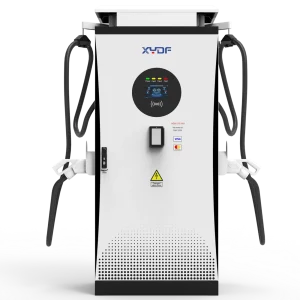
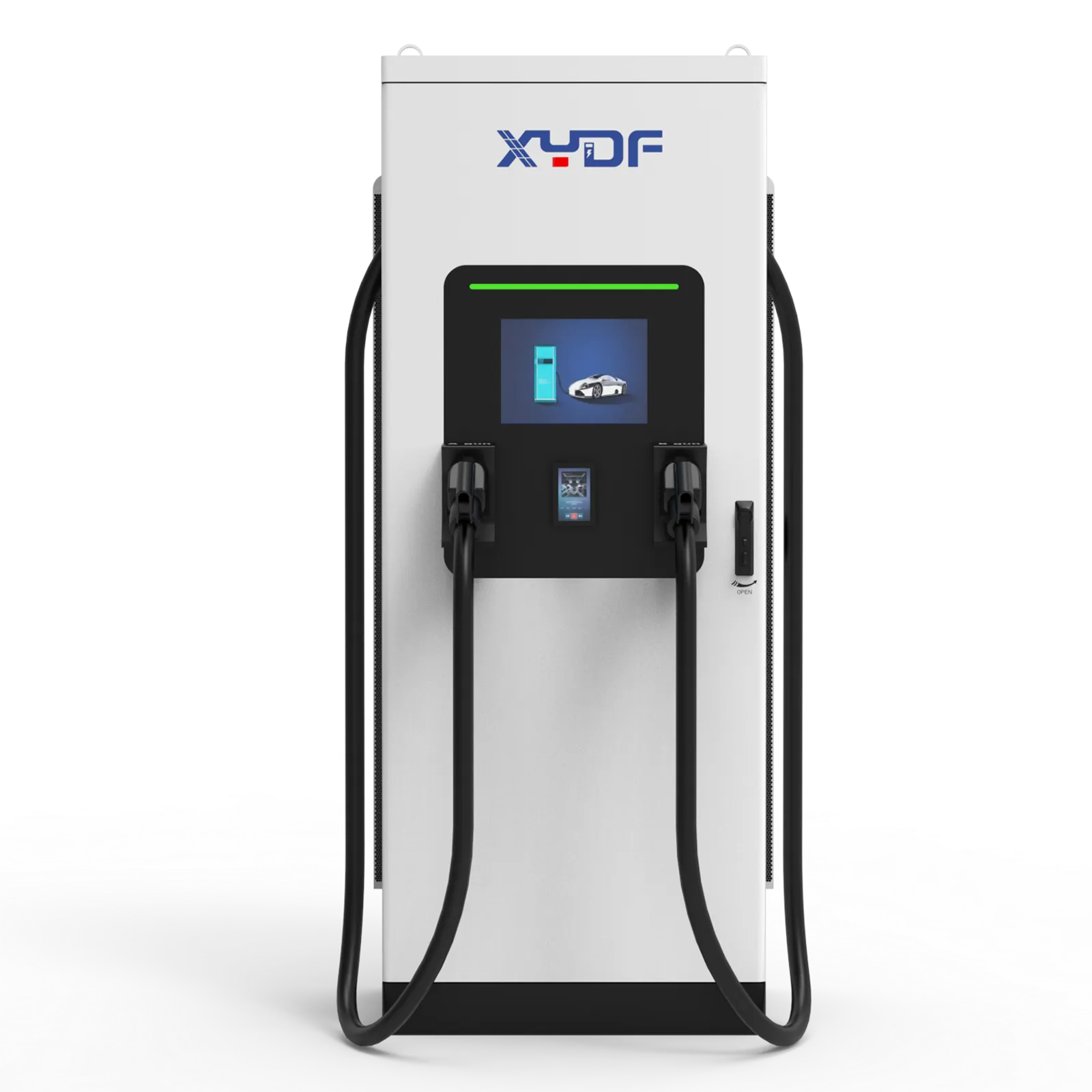
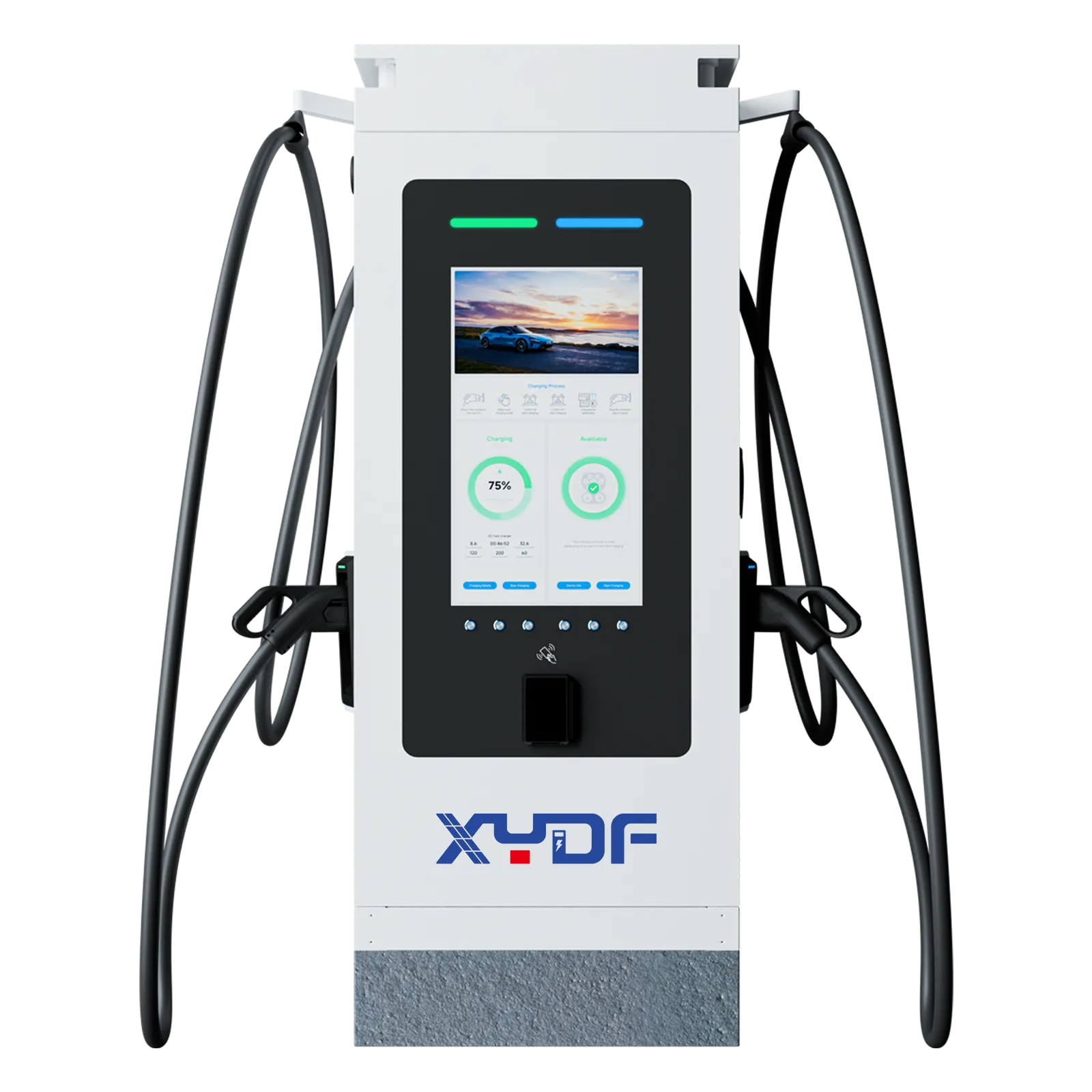
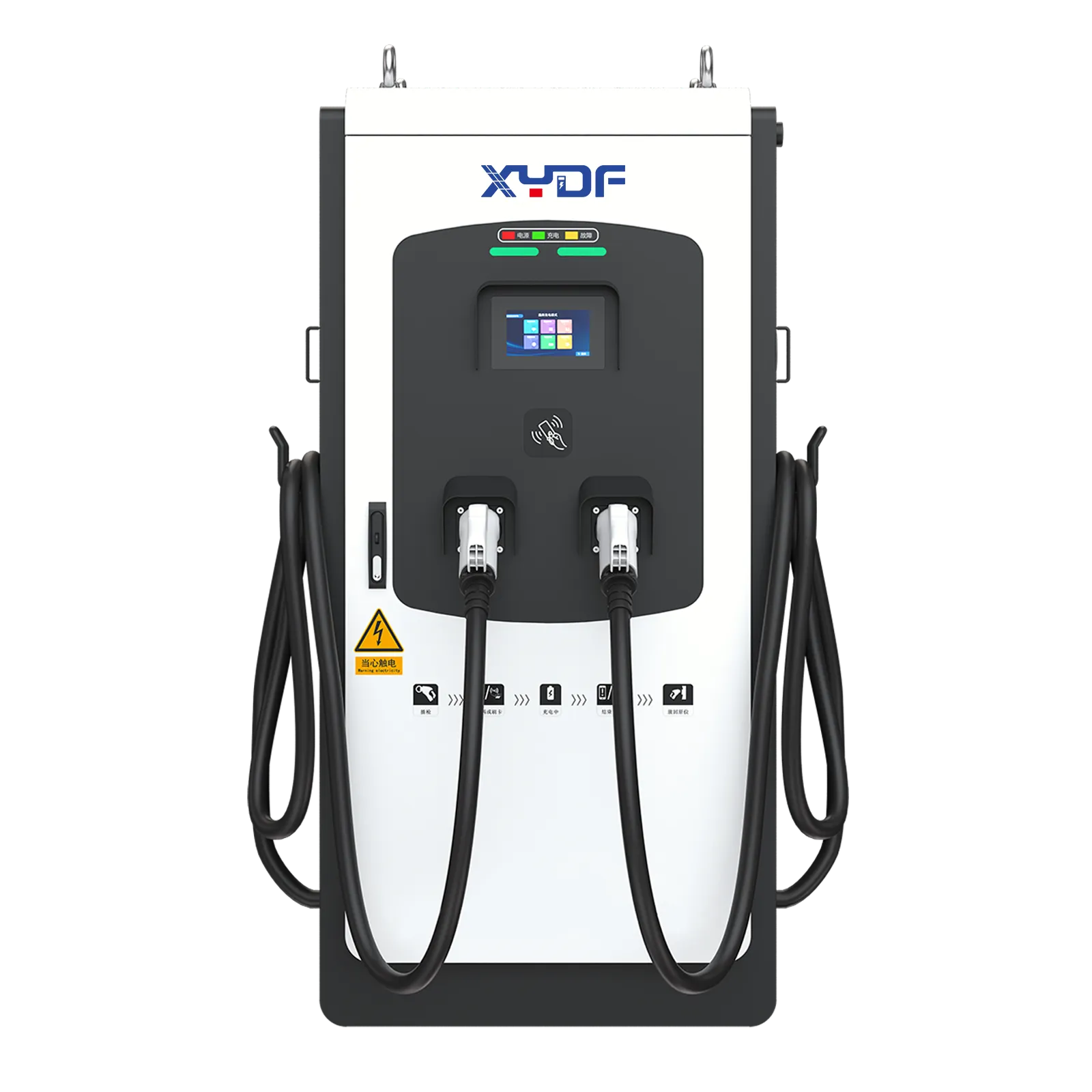
This guide fits networked charging operations with documented telemetry and an assigned response process. It is not a substitute for qualified electrical work, a manufacturer service manual, local safety requirements, or acceptance testing. For an equipment discussion, send XYDF the proposed site use, required integration, alarm/reporting expectations, connector needs, and service-process requirements.
FAQ
What is EV charger remote diagnostics?
It is the remote review of charger status, telemetry, error information, session history, and logs to support triage before or alongside a field visit.
Which OCPP errors should operations teams monitor?
Monitor faulted status with its standard error code and vendor-specific detail, then prioritise by safety and service impact rather than treating every code equally.
Is an offline charger the same as a faulted charger?
No. Offline means current communications are absent; faulted reports an error state. Either can require follow-up, but the evidence and response differ.
How are diagnostic logs requested?
The available method depends on the OCPP version, implementation, permissions, and equipment documentation. Define it in the operating procedure.
Should operators reset a faulted charger remotely?
Only where the documented procedure permits it. Record the pre-reset evidence and escalate recurring or safety-related faults.
Which alarms require field inspection?
Persistent, recurring, safety-related, or physically suspected issues require the approved field and vendor process; remote data cannot replace inspection.
What should a vendor escalation ticket include?
Include the unit identifier, time, state transitions, standard and vendor codes, connectivity history, session context, configured limit, actions taken, and supporting logs.
The most useful alarm is not the loudest one; it is the one that leads to a safe, evidence-based next action.
When comparing equipment, ask XYDF to map the required OCPP version, implemented diagnostic messages, alarm evidence, reset permissions, and escalation workflow to the proposed charger and CSMS. Review the relevant AC charger range or DC fast charger range, then contact XYDF with the site operating window and integration requirements.
We use cookies to keep this website working and, with your permission, to measure how visitors use our EV charging site. See our Privacy Policy for details.
 Xinya Dongfang Electricity Technology Co., Ltd.