How OEM Buyers Should Plan EV Charger UI Localization and Languages
Juil 25,2026
Blog
A translated firmware build can fit Latin-script text while rendering Arabic labels in the wrong direction or wrapping emergency instructions off-screen. The charger may still deliver energy, yet the localization release fails because localization was treated as word substitution rather than a firmware, UX, and support release. The corrective process requires a controlled terminology set, script-aware layouts, and device-level regression tests.
multilingual EV charger UI planning freezes markets, scripts, terminology, and fallback behavior before firmware release. Design for right-to-left (RTL) and CJK text, allow expansion beyond English, and test every critical state on hardware. Use Unicode CLDR for locale conventions and W3C internationalization guidance for language tagging and bidirectional text; neither is a product certification.
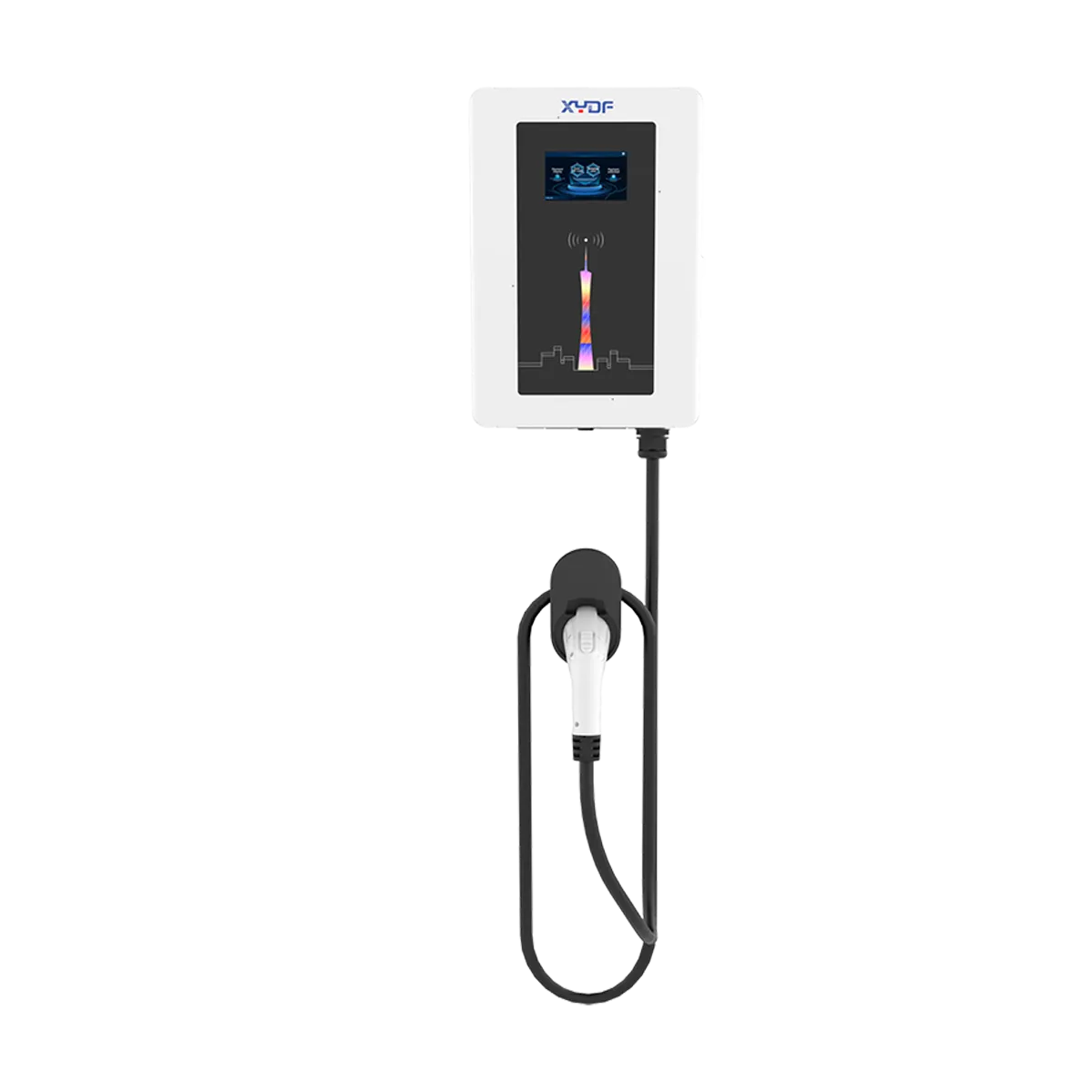
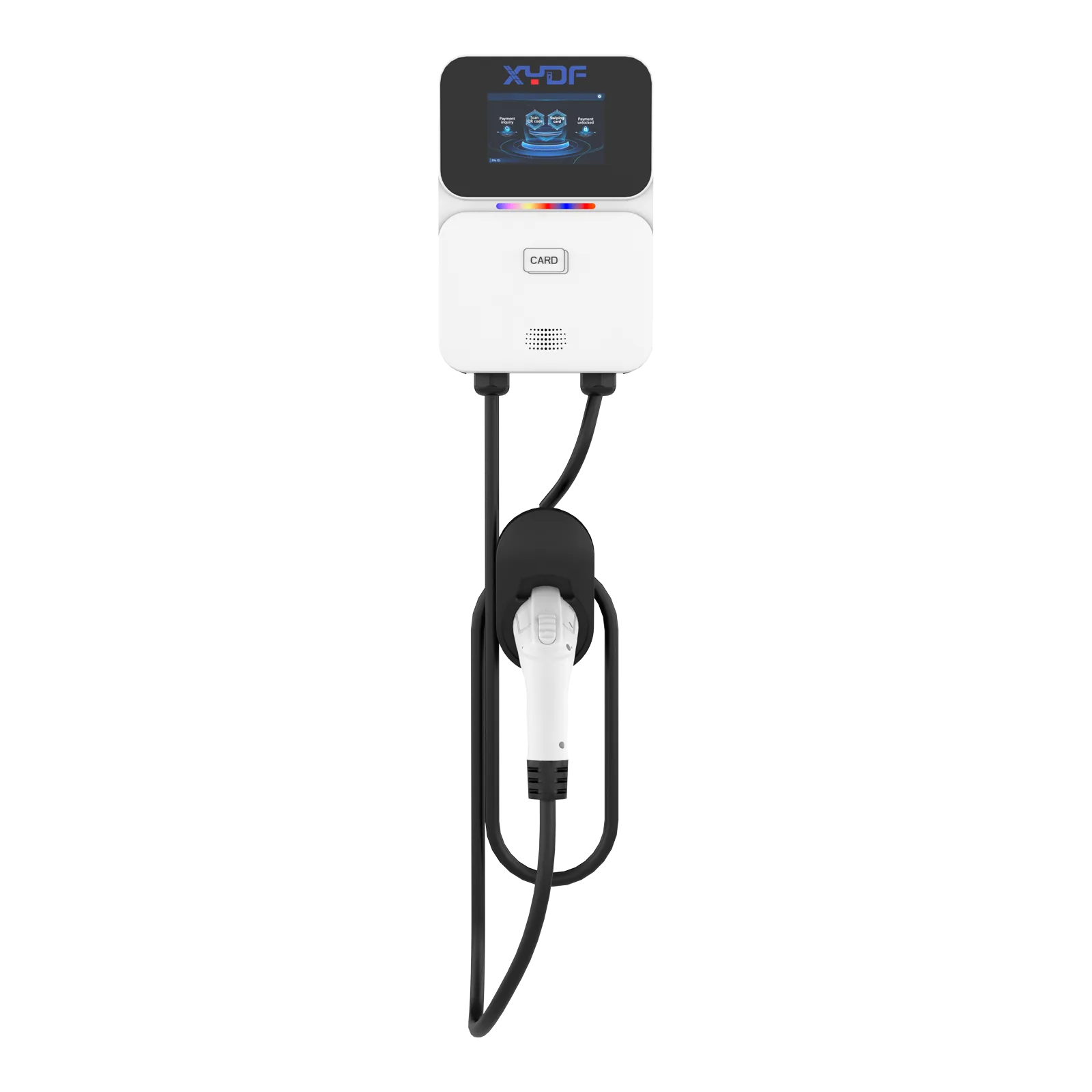
EV charger UI localization is a firmware-stage decision, not a packaging detail. Display languages, startup branding, status messages and error texts are firmware-controlled, which means the language list belongs in the OEM brief before production starts — and a language added after mass production usually means a new firmware build plus re-flashing inventory that has already been built.
What does UI localization cover in an OEM charger program?
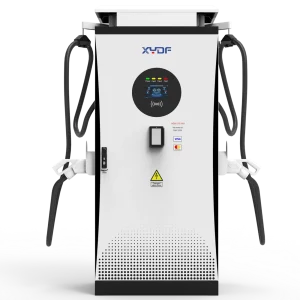
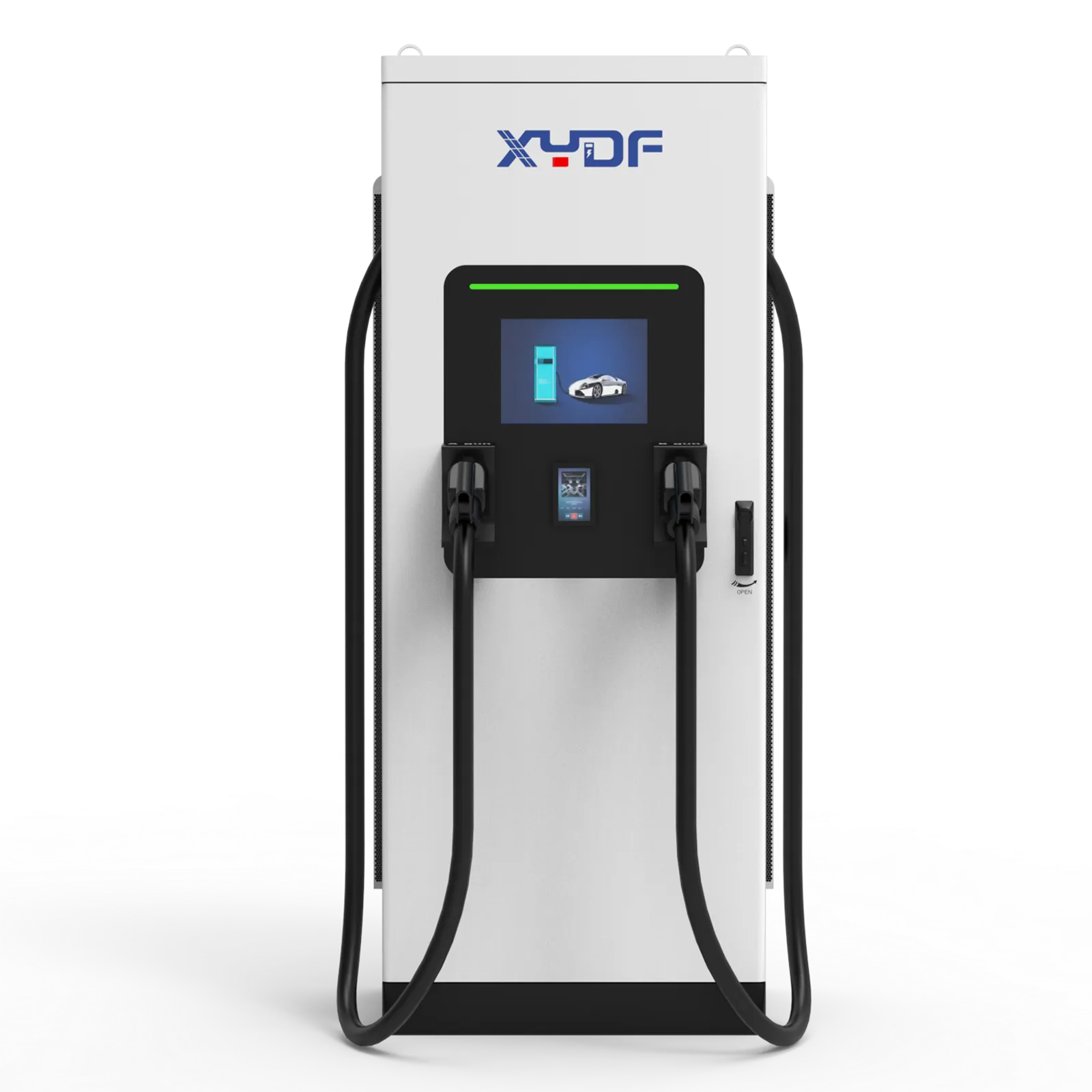
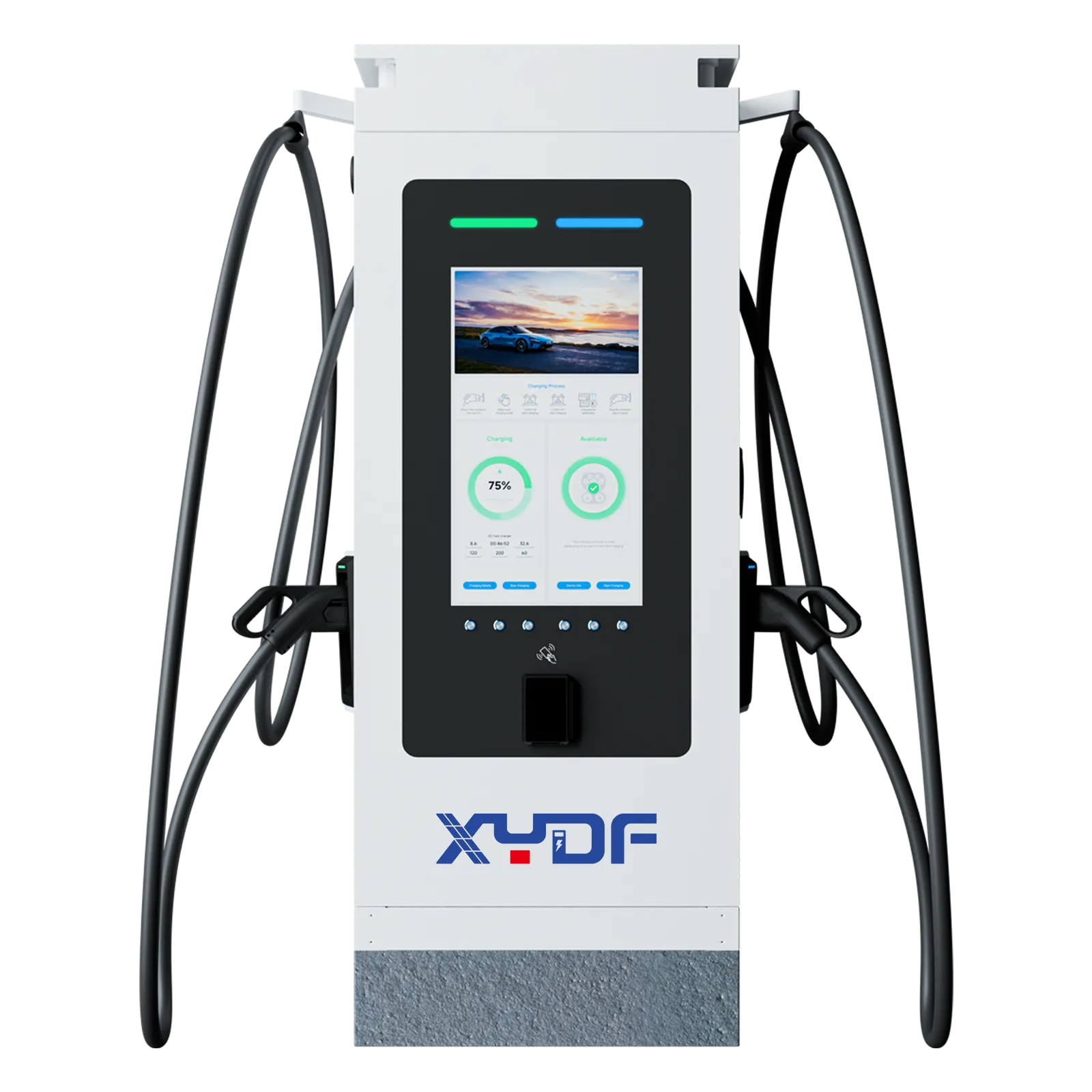
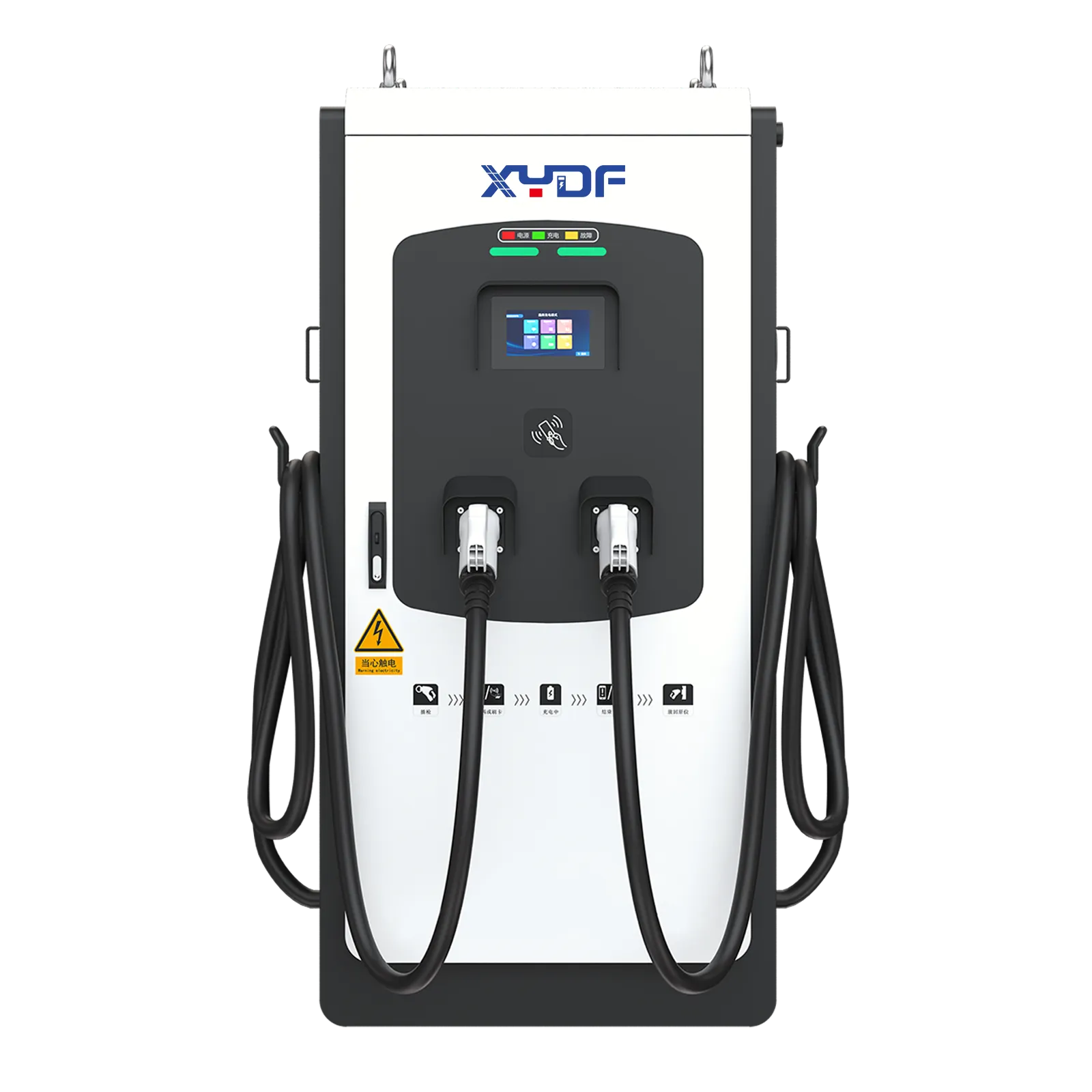
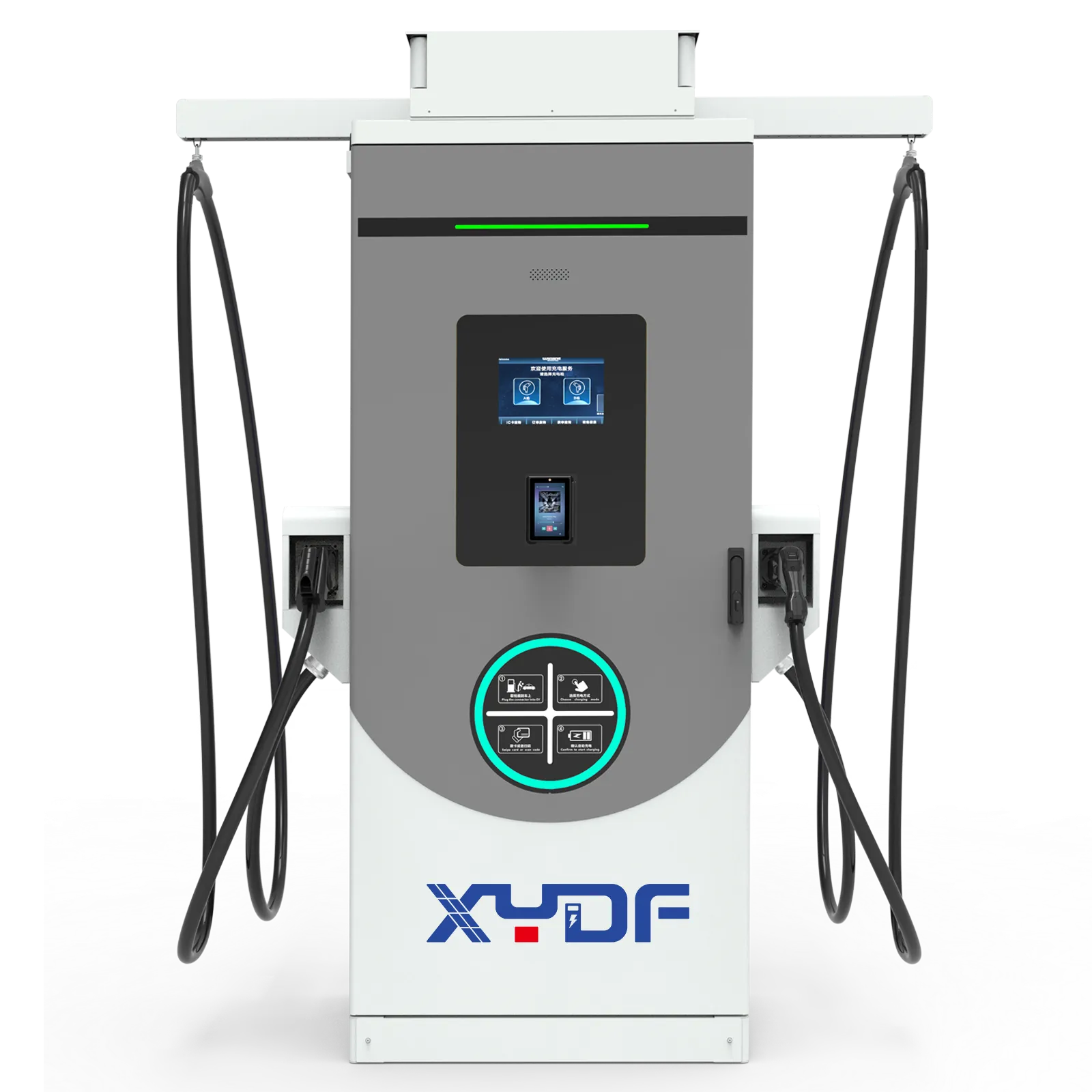
In an OEM or ODM program, the customizable interface layer includes the startup splash screen, idle-screen design, menu and status text, session prompts and error messages — all firmware-controlled, as the Joint Charging customization guide documents. Physical screen size and position stay fixed by the enclosure tooling.
Localization is more than translation. A localized interface renders the right script, formats numbers, currency and time for the locale, and words failure states so a first-time user knows what to do next. For the interface position in the wider program structure, see the OEM vs ODM buyer questions guide.
When should the language list be fixed, and what do late changes cost?
Fix the language list in the ODM brief, before firmware is frozen for production. Supplier guidance treats language localization as standard scope at that stage, with many programs supporting a broad set of languages when specified up front.
La Joint Charging EV charger customization guide states that “adding a language after mass production typically requires a new firmware build and a full re-flash of produced inventory — a significant cost and delay.” If units support remote updates, the logistics get cheaper, but the engineering and re-release work still lands on your program.
Timing of language decision
Typical consequence
In the ODM brief, before firmware freeze
Standard scope; translations reviewed with samples
During production
Firmware re-release; partial batches on different builds
After mass production
New build plus re-flash of built inventory, or staged remote updates where supported
After market launch
Same as above plus retesting and support for mixed fleets
How should OEM and ODM teams control localization releases?
Scope markets: list locales, scripts, currencies, date/time conventions, legal notices, payment methods, and support languages.
Govern terminology: maintain a source-language glossary with approved translations for connector, authorization, stop, retry, fault, and emergency actions. Version the glossary with firmware.
Design for expansion: use Unicode-capable fonts, flexible containers, truncation rules, plural handling, and an intentional fallback language. Never place text inside rasterized artwork when it must be translated.
Separate content from code: keep strings in versioned resource files; record string IDs, context, variables, maximum length, and reviewer sign-off. Protect placeholders and units from translation changes.
Release in gates: linguistic review, simulated screenshots, hardware smoke test, communications/backend regression, accessibility review, pilot fleet, then staged deployment with rollback.
Which engineering inputs make multi-language interfaces work?
Beyond word lists, three engineering inputs decide whether the localized interface actually works:
script and layout support: character sets, right-to-left rendering and line-length behavior across the display framework;
locale data: date, number and currency formatting drawn from standardized sources such as the Unicode CLDR project;
text expansion: translated strings can run longer than English, so buttons and status fields must be reviewed per language.
La W3C internationalization activity maintains the practice baseline for language tagging, encoding and bidirectional text that interface teams build against. Ask your supplier which of these inputs are template-level (cheap to change) and which are framework-level (expensive to change).
How should RTL, CJK, accessibility, and text length be tested?
Un RTL charger interface requires mirrored layout where appropriate, but numbers, connector names, URLs, and error codes may remain left-to-right within an RTL sentence. CJK text needs fonts with adequate glyph coverage and line-breaking rules; do not assume one “Asian” language setting serves Chinese, Japanese, and Korean. Check mixed-script strings, bidirectional punctuation, and fallback glyphs on the actual display.
Set measurable limits: reserve space for translated expansion, verify minimum touch-target size and contrast against the applicable accessibility rules, and ensure every error offers an actionable next step. Screen readers or audio prompts, if present, need localized labels and a logical focus order. Capture screenshots at every supported resolution and temperature/brightness mode.
What release evidence should localization QA produce?
Support scripts, signage, updates, mixed firmware fleet
Pilot report, deployment plan, escalation contacts
When can UI changes affect certification or retesting?
Cosmetic firmware changes — startup logo, display layout, language packs, indicator patterns — typically do not touch the protocol stack. Changes to protocol behavior or security and authentication logic are a different category and can trigger re-testing against the backend certification your program depends on; the Joint Charging guide draws exactly that boundary and advises confirming it with the manufacturer per change.
Document the change category in the program: list which requested changes are cosmetic and which touch protocol or security logic, and have the supplier confirm each category in writing. For protocol-version context on the backend side, see OCPP 1.6 vs OCPP 2.0.1.
When can localization affect privacy or regional compliance?
Localization can expose personal data through receipts, names, payment prompts, and support logs. Minimize fields, define retention and access, and review cross-border transfers under the destination privacy regime (for example, GDPR where it applies). Do not translate away safety warnings, metering units, or legally required notices; have local counsel and the authority having jurisdiction confirm wording.
A language-pack change is not automatically “cosmetic” if it alters authentication, tariff calculation, safety logic, or regulated metering displays. Ask the supplier which firmware components change, whether a conformity assessment or backend re-test is triggered, and how rollback is proven.
What beyond the screen needs localization for a market launch?
Unlike a screen-only view of localization, deployment guidance such as the PandaEXO multilingual UX review treats the charger HMI as one layer among several that must agree with each other:
Layer
What to localize
Charger HMI
Menus, prompts, error states, fallback language
App or web flow
Registration, tariffs, payment steps, help content
Error states deserve the most attention. Cross-border drivers consistently report that unreadable error messages — not menus — are where sessions get abandoned, because the screen cannot tell them whether to retry, wait or call support. Session-start methods interact with this too; the commercial charging access control guide covers how authorization choices shape the user flow you will be translating.
How should XYDF localization scope be written into the RFQ?
XYDF has delivered interface customization for overseas customers — the published UI customization case for Russia and Brazil describes replacing a default-English interface that created “language barriers and inconsistent brand visual identity” for non-native-English markets. Treat that case as evidence of the service, then scope your own program explicitly.
target markets and the full language list, including scripts;
the branding package: logo, colors, startup and idle screens;
session flow requirements: authorization methods, receipts and error texts;
backend platform and protocol version, so changes stay inside the certification boundary;
the update path — on-site flash or remote updates — which sets the cost of future language additions.
This guide fits OEM and distributor programs planning localized interfaces; it does not state XYDF language counts, timelines or pricing — confirm program scope through the contact page.
What should buyers add to the localization RFQ?
Attach the locale list, scripts, glossary, fallback language, character/expansion rules, and sample error flows to the RFQ.
Require resource-file ownership, translation-memory access, string IDs, placeholder protection, and a change log tied to firmware versions.
Specify RTL/CJK rendering, font licensing, contrast/touch targets, screen resolutions, and acceptance screenshots on production hardware.
Define cloud/app/receipt/signage scope, OCPP and API impacts, offline behavior, data retention, and support-language responsibilities.
Require FAT/SAT tests for every critical session state, network loss, emergency stop, rollback, and mixed-language fleet upgrade.
Score total cost including translation review, re-flashing inventory, remote-update bandwidth, retesting, support, and future language additions. Use the EV charger procurement guide et compatibility checklist as purchasing context.
Foire aux questions
Can an EV charger display carry our brand and language?
Yes. Startup screens, idle screens, status text and language packs are firmware-controlled in OEM/ODM programs; screen size and placement stay fixed by the enclosure.
When should languages be fixed in an OEM charger order?
In the ODM brief, before firmware freeze. That timing makes localization standard scope instead of a re-release project.
What happens if a language is added after production?
Expect a new firmware build and re-flashing of built inventory, or a staged remote-update campaign where units support it — plus translation review and retesting time.
Do UI changes affect charger certification?
Cosmetic changes such as logos and language packs typically stay inside the certification boundary; protocol or security changes can require re-testing. Confirm the boundary in writing per change.
What besides the screen needs localization?
App flows, tariffs and receipts, site signage and the support path — especially error states, where users may abandon a session.
How are non-Latin and right-to-left languages handled?
Through script and layout support in the display framework plus locale data for formatting; confirm rendering and text-expansion behavior per language with samples before production.
When should languages be fixed in an OEM charger program?
Fix them in the OEM/ODM brief before the firmware freeze, including scripts, fallback, and legal text. Late additions can require a new build, re-flashing, translation review, and regression testing.
How do you test Arabic or Hebrew charger interfaces?
Test RTL direction, mirrored controls, mixed numbers and codes, punctuation, truncation, and emergency instructions on production hardware. Have a native reviewer verify meaning and a UI tester verify interaction order.
Why do CJK languages need separate UX review?
Chinese, Japanese, and Korean differ in glyph coverage, line breaking, punctuation, and terminology. Validate fonts, input/display behavior, and text expansion per locale rather than using one generic “Asian” layout.
Can a remote language update avoid re-testing?
It can reduce logistics, but it does not remove linguistic, UI, security, or backend regression testing. Require signed packages, staged rollout, rollback, and evidence that safety and metering text remain unchanged.
What should an OEM localization RFQ include?
List locales, scripts, glossary, screenshots, string-file format, expansion limits, cloud/app scope, acceptance tests, update path, ownership, and support obligations. Include privacy and regional compliance review where receipts, payments, or personal data are involved.
A successful EV charger localization rollout is a controlled software release with language quality, accessibility, privacy, and field support measured together. XYDF/Xinya EE may be evaluated with other OEM partners when documented customization scope and test evidence fit the program; the commercial charging solution overview provides contextual planning information. For a localization review, contact the team with target locales, scripts, firmware path, and acceptance criteria. Translate the experience users must complete—not just the words they can see.
Usine du siège social du Zhejiang :
N° 2, route de Changjiang, parc industriel du pont de Wenzhou, ville de beibaixiang, ville de Yueqing, ville de Wenzhou, province du Zhejiang
Bureau de Shenzhen :
1er étage, Bâtiment A, Parc Industriel Shenkai, Communauté Tangtou, Sous-district de Shiyan, District de Bao'an, Shenzhen
 Xinya Dongfang Electricity Technology Co., Ltd.